Why Local SIMs Are a Headache for South America Overlanding
Look, I've been doing this nomad thing for four years now, and if there's one thing I've learned, it's that connectivity can make or break a trip. Especially when you're overlanding South America, pushing through multiple countries in your vehicle, the last thing you want is to deal with a new local SIM card every few weeks. Trust me, I've done the dance. In Peru, buying a Claro SIM meant a mandatory biometric scan at a tiny, dusty kiosk, and then hoping the agent actually registered it correctly. In Brazil, some banks like Banco do Brasil require a local phone number for their apps, making it tricky to set up financial services without a permanent local SIM. It's a time sink, a bureaucracy maze, and frankly, a huge source of stress when you're just trying to get from A to B.
The administrative burden isn't just about the purchase. It's about figuring out different top-up systems, navigating customer service in a language you might not fully grasp (even with Duolingo, technical terms are a beast), and then dealing with activation delays. I once spent three days in Salta, Argentina, trying to get a Personal SIM to activate, only to find out later it was registered under someone else's name from two years prior. This isn't just an inconvenience; it can be a security risk. For an overland expedition, where reliable communication is paramount for safety and logistics, this kind of uncertainty is simply unacceptable.
The Paperwork Nightmare and Activation Delays
Each country has its own set of rules. Chile might be relatively straightforward, but cross into Bolivia, and suddenly you're dealing with different requirements, often involving passport copies, local addresses (which, when overlanding, is usually 'my vehicle'), and sometimes even fingerprint scans. These aren't just minor hurdles; they're genuine roadblocks that eat into your precious travel time. Imagine arriving at a border, exhausted, and then needing to spend an hour or more wrestling with a local SIM purchase. It's a mood killer, and it's entirely avoidable.
Roaming Charges Are a Scam
Of course, you could just rely on your home country's roaming plan. But unless you enjoy paying $20 a day for a trickle of data (I'm looking at you, major US carriers), that's not a sustainable option for a multi-month overland trip. I once accidentally left roaming on for a day in Paraguay, thinking I'd just check a quick map. Ended up with a $75 bill for minimal usage. Never again. For those of us using iPhones, understanding how to avoid these astronomical roaming charges is crucial.
The eSIM Advantage for Multi-Country Journeys
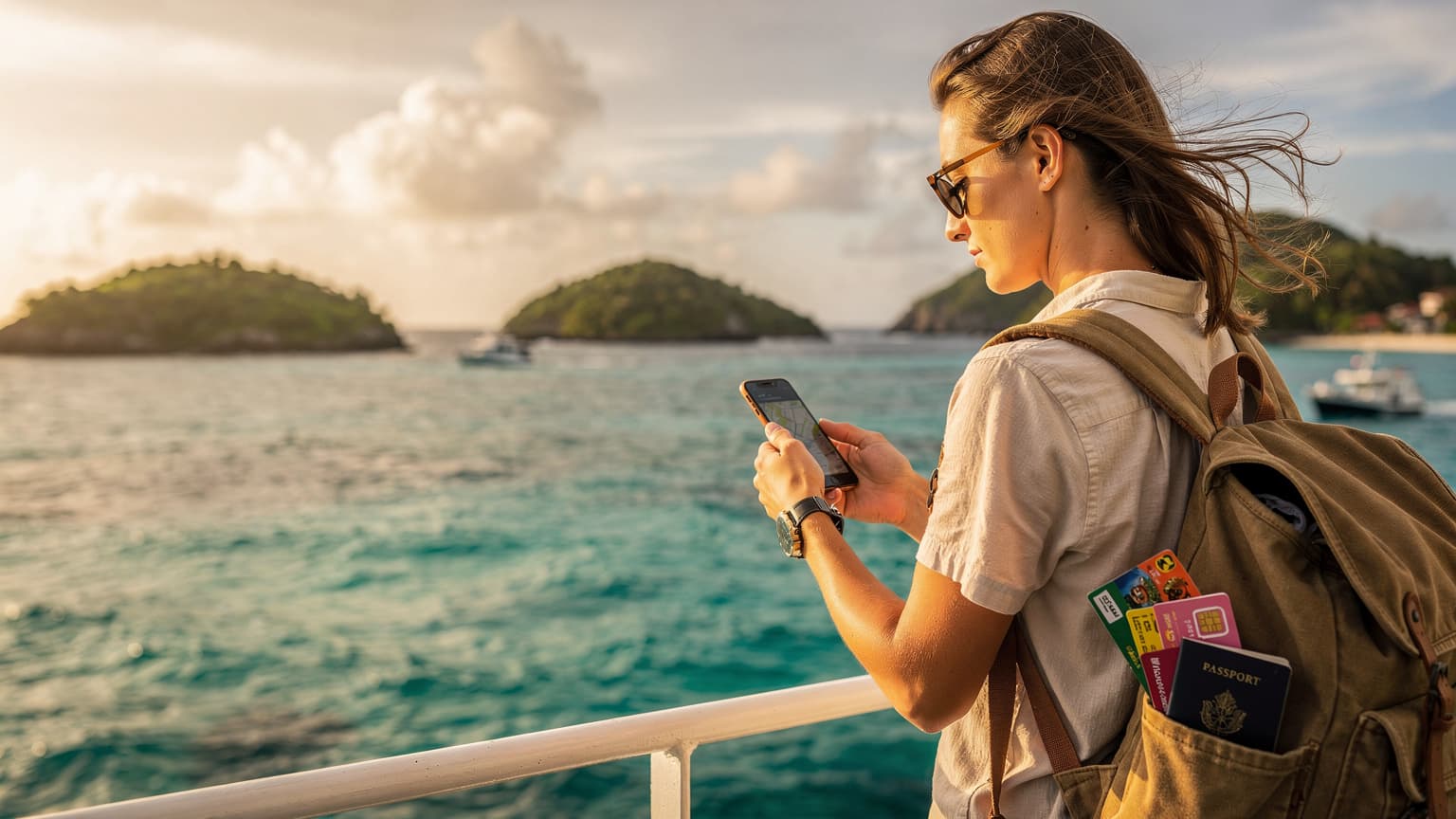
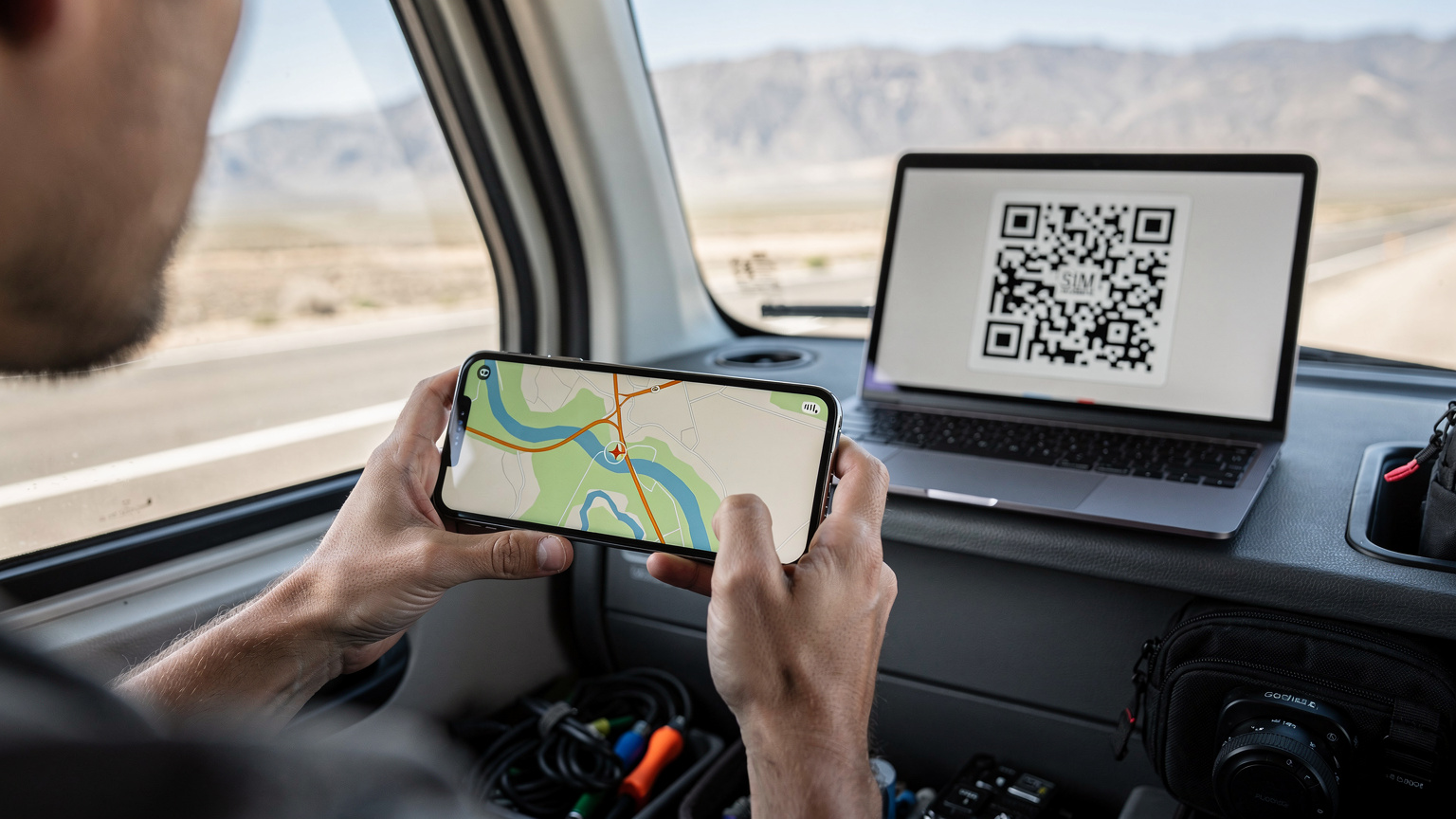
This is where multi-country eSIMs shine, especially for a South America overland adventure. Instead of a physical card, an eSIM is embedded directly into your phone. You buy a plan online, scan a QR code, and you're connected. No physical swapping, no biometric scans, no language barriers at a dusty kiosk. It's truly a game-changer for anyone crossing borders frequently, which is essentially the definition of overlanding.
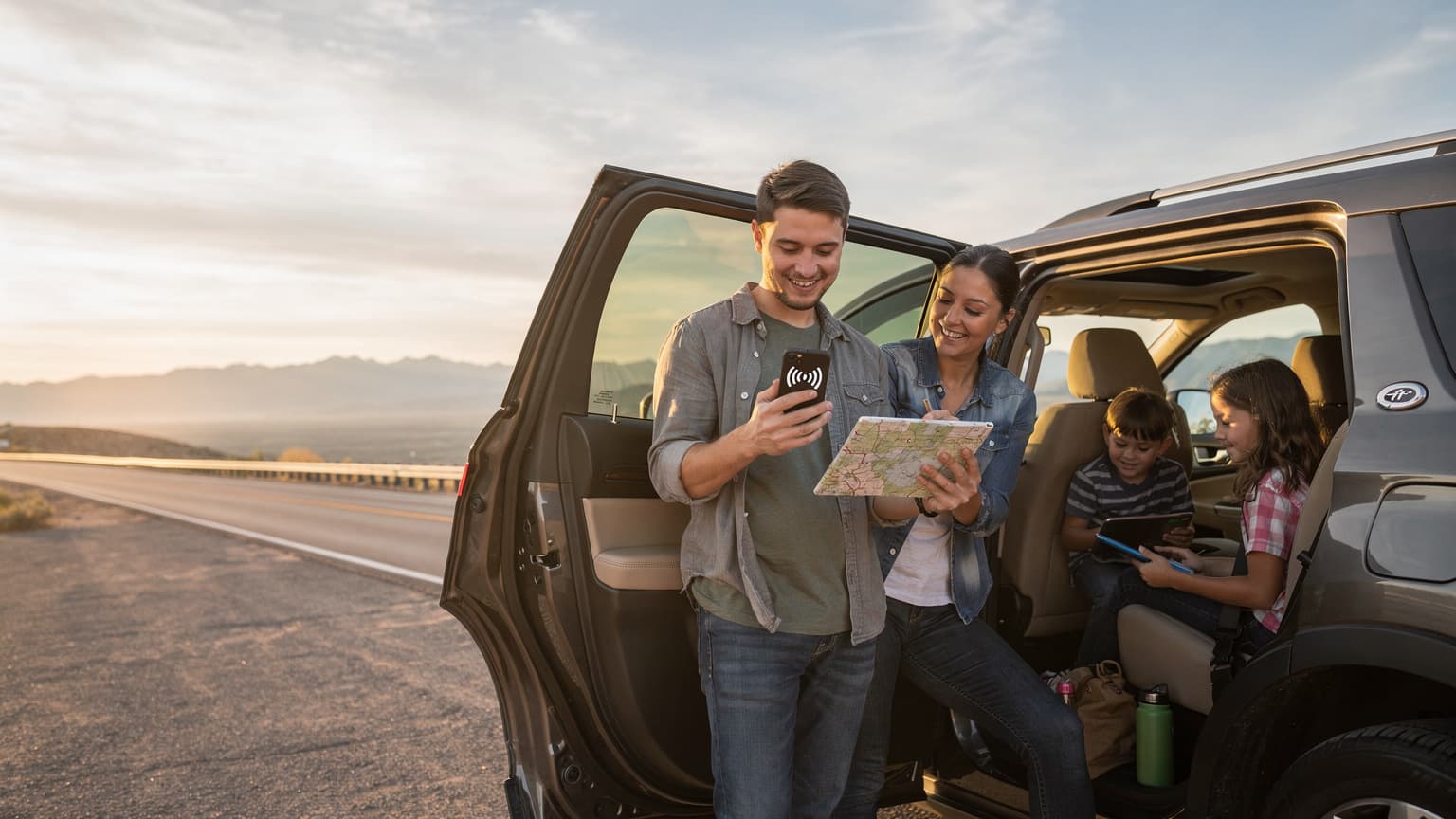
With a multi-country plan, you can drive from Argentina into Chile, then up into Bolivia and Peru, all while staying connected on the same data package. This isn't just convenient; it offers a profound sense of security. You know you'll have data for navigation (crucial when you're off the main roads), for emergencies, and for keeping in touch with family or your overland buddies on WhatsApp. My WhatsApp groups are full of nomads sharing tales of lost connections and how an eSIM saved their bacon. It’s the kind of reliable tech you want when you’re out in the boonies.
Seamless Border Crossings
Imagine this: you've just cleared immigration at the Chile-Argentina border, the sun is setting over the Andes, and you need to check your next camp spot. With an eSIM, your phone automatically connects to a partner network in Argentina, and you're good to go. No pulling over, no searching for a town with a phone store, no wrestling with tiny SIM trays in the fading light. This seamless transition saves mental energy and keeps your travel momentum going. It means more time enjoying the landscape and less time troubleshooting connectivity.
Flexibility and Control
Another huge benefit is the flexibility. You can activate an eSIM plan before you even leave home, or while you're parked up in a quiet spot with Wi-Fi. You can monitor your data usage through an app and top up as needed. If you find yourself needing a local number for a specific purpose (like setting up a bank account in Brazil, as mentioned), you can still get a cheap local physical SIM for that specific line, while keeping your primary data running on the eSIM. It's the best of both worlds, giving you control over your connectivity without forcing you into a single, restrictive option.
Safety and Emergency Preparedness
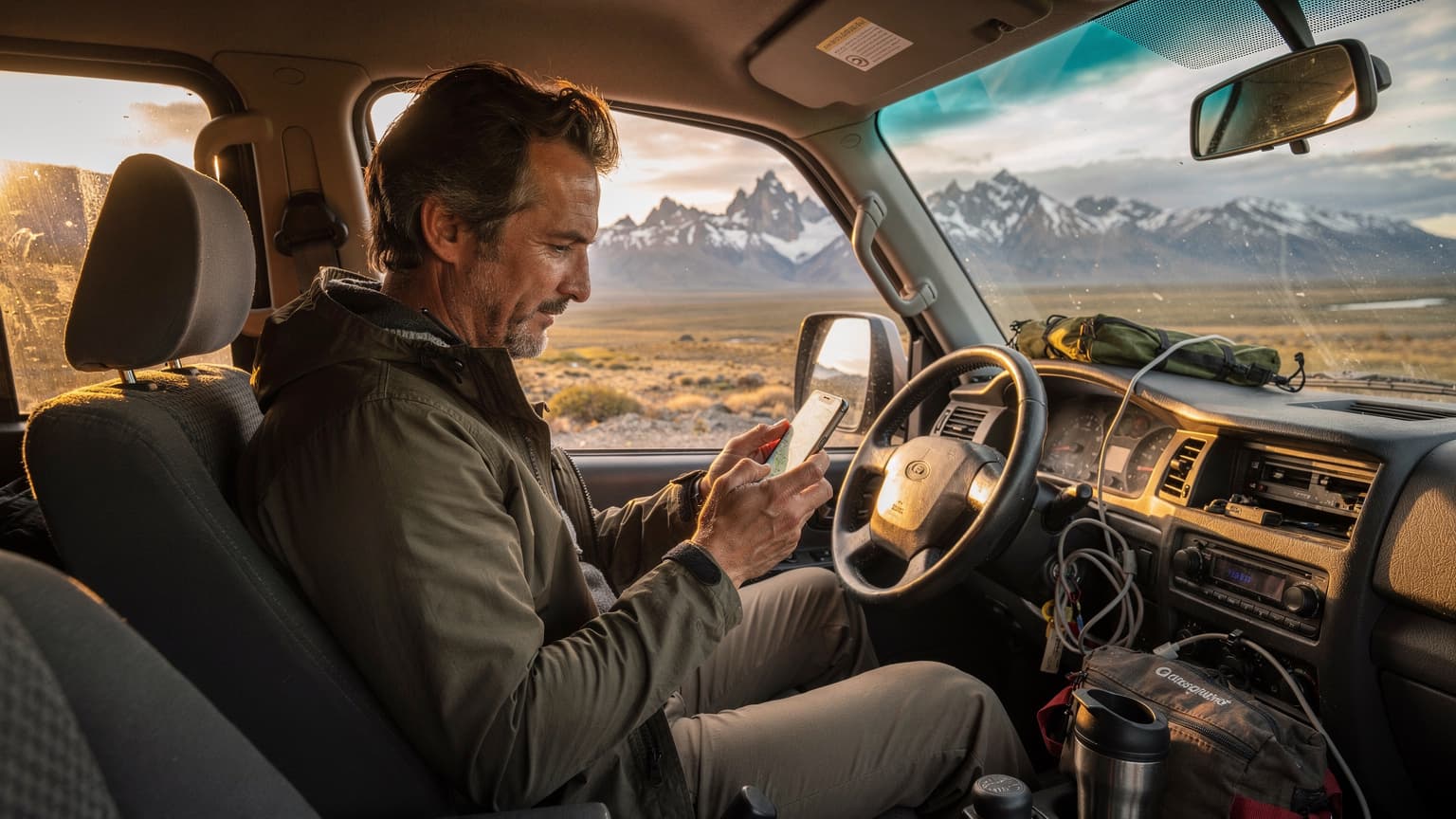
When you're overlanding, especially in remote areas of Patagonia or the high Andean passes, safety is paramount. Having a reliable data connection means you can access emergency services, roadside assistance, or share your location with loved ones. I always preach the importance of having a backup communication plan, and a multi-country eSIM is a huge part of that. It's not just about posting pretty pictures; it's about being able to call for help if your vehicle breaks down at 4,000 meters in the middle of nowhere. For critical travel info, checking WestESIM's FAQ section for common travel questions can also be helpful.
Selecting Your eSIM Plan: Data Needs and Coverage
Choosing the right eSIM plan for a South America overland trip requires a bit more thought than a standard tourist trip. You're not just hopping between cities; you're traversing vast, often sparsely populated regions. Your data needs will fluctuate. Some days, you'll be driving for hours with no signal. Other days, you'll be parked in a small town, needing to upload photos, plan your next route, or catch up on work. (Yeah, the 'digital' in digital nomad still means work sometimes.)
Data Allowance: How Much Do You Really Need?
For overlanding, I generally recommend erring on the side of more data. You can always top up, but running out of data when you're trying to navigate a tricky mountain pass is not ideal. A typical digital nomad might use 50-100GB a month, especially if tethering for a laptop. However, on the road, that might drop a bit due to less Wi-Fi availability and more 'unplugged' time. I'd start with at least 20-30GB for a month-long leg of the journey, spread across multiple countries. Look for plans that offer generous allowances or, even better, unlimited data options. Remember, streaming movies in your rig on a rainy night adds up quickly.
Country Coverage: The Patagonia Factor
This is critical. Ensure your chosen eSIM plan covers all the countries you intend to traverse. For a Patagonia caravan, this usually means Argentina and Chile, but many overlanders start further north, passing through Peru, Bolivia, and possibly Uruguay or Paraguay. Confirming coverage with the provider is essential. Some plans might cover 'South America' but exclude specific, often more remote, nations. Look for explicit country lists. The beauty of a multi-country eSIM is that it aggregates coverage from various local networks, giving you a wider footprint than a single local SIM ever could.
| Provider Feature | Local Physical SIM | Multi-Country eSIM |
|---|---|---|
| Activation Process | In-person, passport scans, forms, delays | Online, QR code scan, instant activation |
| Border Crossing | New SIM for each country | Seamless transition, same plan |
| Data Management | Multiple apps/websites, varying currencies | Single app, unified billing |
| Cost Efficiency | Can be cheaper for single, long stays; expensive across multiple countries | Higher upfront for multi-country, but cheaper than multiple local SIMs or roaming |
| Flexibility | Tied to one network per country | Connects to best available network in each country |
Network Partnerships and Speed
While a multi-country eSIM connects to local networks, the quality can vary. Good providers partner with the strongest carriers in each region. In Argentina, that might be Movistar or Claro. In Chile, Entel or Movistar. Ask (or check their coverage maps) which local partners they use. While '5G' sounds great, don't expect it everywhere. In many parts of Patagonia, you'll be lucky to get stable 4G, or even 3G. The key is consistent, usable speed, not theoretical maximums. For example, if your eSIM connects to Entel in Chile, you're generally going to have a better experience than with a smaller, regional provider.
Setting Up Your eSIM: A Step-by-Step Guide
Setting up an eSIM is surprisingly straightforward, but a few details can trip you up if you're not careful. I've walked friends through this countless times, often via frantic WhatsApp calls from airports. So, here's the no-nonsense rundown.
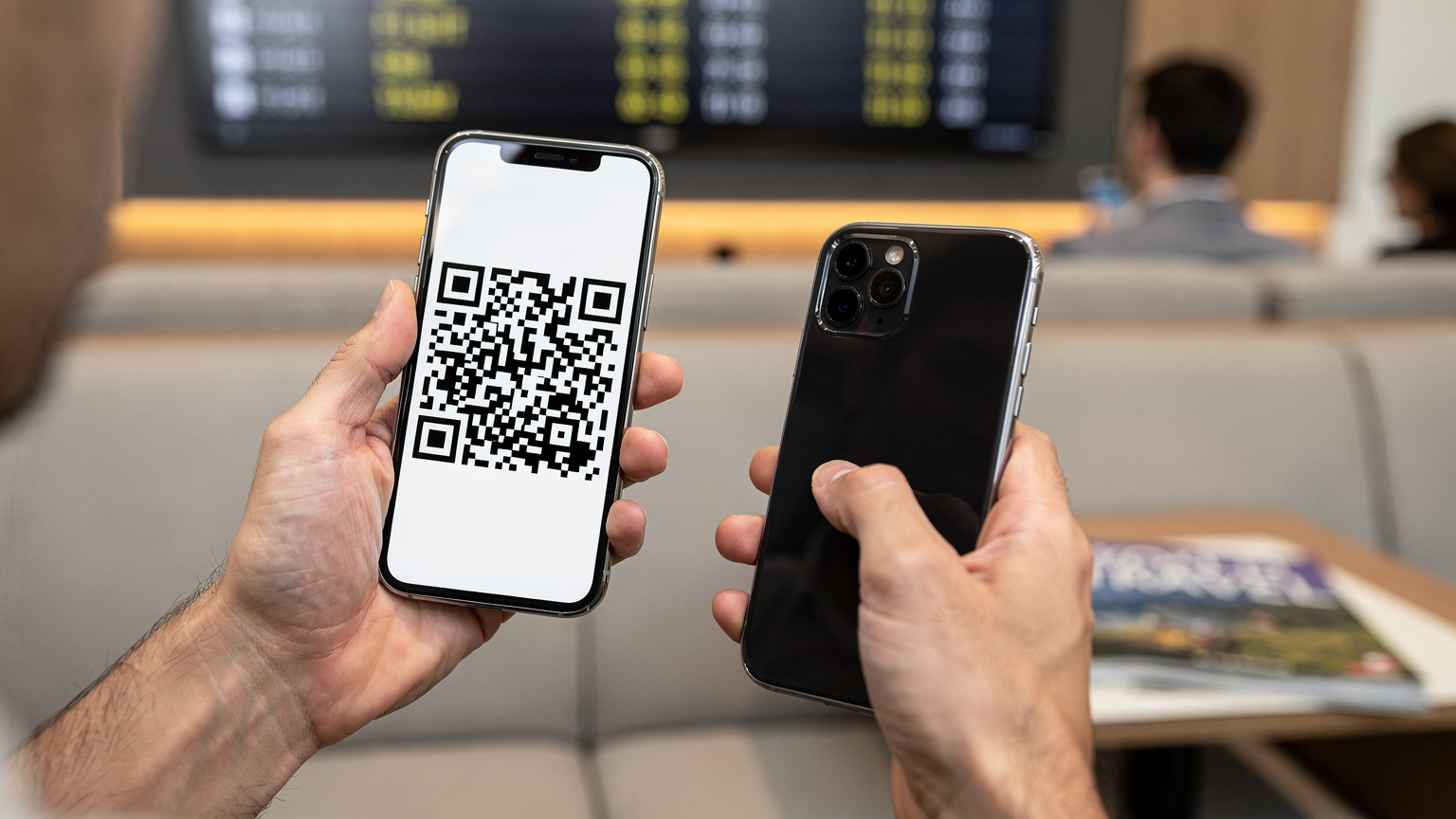
- Purchase Your Plan Online: Head to a reputable eSIM provider's website. Browse their South America or multi-country plans. Pay attention to data allowance, validity period (30 days, 60 days, etc.), and the list of included countries. Once you've selected and paid, you'll receive a confirmation email, usually containing a QR code or manual installation details.
- Ensure You Have Wi-Fi for Activation: This is crucial. You need an active internet connection (either your home Wi-Fi before you leave, or airport/hotel Wi-Fi abroad) to download the eSIM profile to your phone. Don't wait until you're in the middle of nowhere to try and activate it.
- Scan the QR Code: On your smartphone, go to Settings, then Cellular/Mobile Data. Look for 'Add eSIM' or 'Add Data Plan'. Your phone's camera will open. Scan the QR code provided by the eSIM provider. Follow the on-screen prompts. This usually takes less than a minute.
- Label Your eSIM: Once installed, give your new data plan a clear label, like 'SA Overland eSIM' or 'WestESIM Data'. This helps you differentiate it from your primary line (if you have one) and any other eSIMs you might have.
- Configure Data Roaming & Default Line: Go back to your Cellular/Mobile Data settings. Ensure 'Data Roaming' is turned ON for your new eSIM. This is counter-intuitive for physical SIMs but necessary for eSIMs to connect to partner networks. Set your new eSIM as the primary line for 'Cellular Data' and keep your home SIM for calls/texts (if you need it). You can always switch these back and forth.
- Test Your Connection: Once activated, disable Wi-Fi and try browsing a website or sending a message. If it works, you're all set! If not, double-check your settings, especially data roaming and the default data line.
Real-World Connectivity: Challenges and Solutions
Even with the best eSIM, South America is vast, and you're overlanding. You're going to encounter dead zones. It's not a question of 'if', but 'when'. The key is to be prepared and have strategies in place. I've driven through stretches in the Bolivian Altiplano where there was no signal for hours, just vast, empty plains. It’s part of the adventure, but it requires smart planning.
Dead Zones and Offline Tools
Before you head into known remote areas (like parts of Ruta 40 in Argentina, or high passes in the Andes), download offline maps. Google Maps allows you to download entire regions. Apps like Maps.me and iOverlander (essential for finding campsites, water, and fuel) are built for offline use. This way, even if your data drops, you can still navigate and find critical points of interest. My rule of thumb: if I'm going to be more than two hours from a significant town, I have maps downloaded for at least a 200km radius.
Power Management: Charging on the Go
Your phone is your lifeline. A dead phone means no navigation, no communication, and no emergency contact. Invest in robust power solutions for your vehicle: a high-capacity power bank (20,000mAh minimum), a good car charger (preferably one with Quick Charge or Power Delivery), and maybe even a small solar panel if you're going truly off-grid for extended periods. Keep devices charged whenever you have the opportunity. I keep my phone charging anytime the engine is running.
Backup Communication
While an eSIM is fantastic, it's not foolproof for extreme remote areas. Consider a satellite messenger (like a Garmin InReach Mini) for true emergencies when cell signal is non-existent. This isn't just for peace of mind, it's a critical safety tool for deep wilderness overlanding. Many overland groups mandate these devices for their members. I carry one, and while I hope to never use the SOS function, it's there.
Overlanding Essentials, Beyond the eSIM
Beyond connectivity, a successful South America overland trip hinges on a few other key items. You're living out of your vehicle for months, maybe even a year. Every item earns its space.
- Vehicle Spares and Tools: Don't skimp here. Extra fuel filters, oil, a tire repair kit, a decent jack, and a comprehensive tool kit are non-negotiable. Breakdowns happen, often in the worst possible places. Knowing how to change a tire or troubleshoot a minor engine issue will save you days, and potentially hundreds of dollars.
- Water Filtration System: Access to clean drinking water can be challenging. A good water filter (like a Sawyer or Lifestraw) or a robust purification system for your vehicle's water tank is essential. Don't rely solely on bottled water, both for cost and environmental reasons.
- Cooking Gear: A reliable camp stove, basic cookware, and a cooler (or fridge/freezer for longer trips) will save you a fortune and allow you to cook healthy meals. Eating out three times a day in South America can quickly blow your budget, especially in touristy areas.
- First Aid Kit: A comprehensive medical kit, including prescription medications, pain relievers, anti-diarrhea meds, and wound care supplies. Access to pharmacies can be limited in remote areas, and medical emergencies are best handled with preparedness.
- Navigation Devices: While your phone with an eSIM is excellent, a dedicated GPS device (like a Garmin Zumo XT for motorcycles, or a good old-fashioned paper map set for backup) can be invaluable. Batteries die, screens break, and sometimes you just need something rugged and purpose-built.
Visa Pitfalls and Digital Residencies
This is a big one that many first-time long-term travelers overlook. Visa limitations are a significant factor when planning an overland trip through South America. Most countries offer a 90-day tourist visa on arrival, but these aren't always cumulative. For example, Argentina and Chile allow 90 days, but you usually have to leave the country for a period before you can re-enter for another 90 days. This means strategic border hops. My WhatsApp groups are constantly discussing the latest visa run strategies between Mendoza and Santiago, or between Ushuaia and Punta Arenas.
For longer stays, some countries are starting to offer digital nomad visas. Brazil, for instance, has one that allows up to a year, renewable. Argentina also recently launched one. These require more paperwork, proof of income, and sometimes a local address (which can be a temporary rental). But they can be a lifesaver if you plan to spend 4-6 months in a particular country while you explore a region more deeply or get some serious work done. Always check the latest immigration rules for each country well in advance of your crossing. Don't assume. I once saw a couple get turned back at the Bolivian border because they miscalculated their previous Peruvian visa overstay. It's not a fun conversation to have with an immigration officer.
Staying on the Right Side of Immigration
Always have copies of your passport, vehicle registration, and any entry/exit stamps. Keep them digitally backed up, too. When asked, be polite, honest, and have your papers in order. Overlanders sometimes face extra scrutiny at borders due to the vehicle, so make it easy for the officials. And never, ever overstay your visa. The fines and potential future travel bans are not worth it.
Staying Productive on the Road: Co-working and Cafes
Even if you're overlanding, the 'digital' part of digital nomad still means work needs to get done. You won't always have a strong enough signal to tether from your rig, especially for video calls or large uploads. So, knowing where to find reliable Wi-Fi is key. I've worked from some unexpected places.
Reliable Wi-Fi Spots Across the Continent
In Buenos Aires, I swear by the Wi-Fi at La Maquinita Co-working in Palermo Soho. It's 25,000 ARS for a day pass (around $25 USD, though prices fluctuate wildly with inflation), and their fiber connection is rock solid. In Santiago, Chile, the café Wally's in Barrio Lastarria has surprisingly good, free Wi-Fi, and their coffee is decent. (I spent many an afternoon there planning routes.) Even in smaller towns, look for hotels with good ratings that specifically mention strong Wi-Fi. Sometimes, even the local McDonald's or a larger supermarket chain will have usable Wi-Fi for quick tasks. It's all about strategic pit stops.

The Art of the Cafe Work Session
Beyond dedicated co-working spaces, cafes are your friends. Find a spot with good coffee, an accessible power outlet, and a Wi-Fi password that isn't too aggressively rate-limited. (Some places will cut you off after an hour.) I usually buy a coffee and a pastry, get my urgent tasks done, and then move on to avoid being 'that guy'. Always have a VPN running when on public Wi-Fi, especially for sensitive work. It's just good practice, whether you're in a fancy cafe in Cusco or a roadside diner in Patagonia.
Cost of Living Anchors for Long Stays
While overlanding often means saving on accommodation, you'll still have significant costs. Fuel, vehicle maintenance, and food will be your biggest expenses. But if you do decide to pause and settle in a city for a month or two, having an idea of cost anchors is crucial for budgeting. I've seen too many nomads blow their budget in the first few months.
Rent and Accommodation
If you decide to park your rig for a bit and rent an apartment, prices vary wildly. In Medellín, Colombia (a popular nomad hub), you can find a decent 1-bedroom apartment in El Poblado for around $600-800 USD/month. In Buenos Aires, a similar place in Palermo might be $700-1000 USD, though currency fluctuations are a constant challenge there. In smaller, less touristy cities in Chile or Argentina, you might find something for $400-600 USD. Always factor in utilities and any Airbnb fees. For shorter breaks, hostels with private rooms can be $20-40 USD a night, often with good social vibes and reliable Wi-Fi. I often use these for a few days to catch up on laundry and deep clean my rig.
Food and Daily Expenses
This is where overlanding really saves you money. Cooking your own meals is significantly cheaper. A week's worth of groceries in a major Argentine supermarket might be $50-70 USD for one person, whereas eating out daily can easily be $20-30 USD per meal. In Chile, expect slightly higher prices. A 'Menu del Día' (lunch special) is usually the most budget-friendly option, often around $5-10 USD. My go-to cheap eats are local markets for fresh produce and street food stalls (just be careful with hygiene, obviously). In Mendoza, Argentina, I could get a massive empanada for 800 ARS (less than a dollar) from a local bakery, and it was my staple lunch.
Fuel and Vehicle Maintenance
This will likely be your biggest variable cost. Fuel prices change dramatically between countries. Argentina often has some of the cheaper fuel, while Chile can be more expensive. Factor in regular oil changes, tire rotations, and unexpected repairs. Always carry local currency for small purchases and tolls, especially in remote areas where card machines are non-existent. My rule is to always fill up when the tank is half-full, especially before long stretches of road or known fuel deserts.
Final Thoughts on Your Patagonian Adventure
Overlanding South America, especially down to Patagonia, is an incredible journey. It tests your limits, expands your horizons, and creates memories that will last a lifetime. But it's also a logistical challenge, and staying connected shouldn't be another one. A multi-country eSIM simplifies a major headache, letting you focus on the road, the views, and the experience. Don't underestimate the peace of mind that comes with knowing you're always connected, whether it's for navigation, emergencies, or just sending a quick WhatsApp to tell your friends you've made it to Ushuaia.
Plan smart, pack light (but wisely), and embrace the unexpected. South America is waiting. And with the right connectivity, you'll be ready for whatever it throws at you. Just make sure your phone is eSIM-compatible, and you've got your South America eSIM plan locked in before you hit the road. It's one less thing to worry about when you're staring down the Barrel of Ruta 40.
Frequently Asked Questions
Do I need a local SIM card for banking apps in South America?
Some specific banking apps, particularly in countries like Brazil (e.g., Banco do Brasil) or India (Aadhaar), might require a local phone number for registration or two-factor authentication. In such cases, you might need to purchase a cheap local physical SIM specifically for that purpose, while still using your multi-country eSIM for primary data.
What's the typical cost of an eSIM for South America overlanding?
The cost varies significantly based on data allowance and validity. For a multi-country South America plan, expect to pay anywhere from $30-70 USD for 10-20GB valid for 30 days. Larger, unlimited data plans for extended periods will naturally be more expensive, potentially ranging from $80-150 USD per month.
How reliable is eSIM coverage in remote Patagonian regions?
E_SIM coverage in Patagonia, like any data service, depends on the local network infrastructure. While multi-country eSIMs leverage major local carriers (Movistar, Claro, Entel), remote areas will still have dead zones. Always download offline maps and consider a satellite messenger for critical emergencies in truly off-grid locations.
Can I use my eSIM for tethering a laptop or other devices?
Yes, most multi-country eSIM plans allow tethering, which is crucial for digital nomads on the road. However, always double-check the specific plan details, as some very budget-focused plans might restrict it. Tethering consumes data quickly, so choose a plan with a generous data allowance if you plan to use it frequently.
What are the common visa limitations for overlanding South America?
Most South American countries grant 90-day tourist visas upon arrival. For longer trips, you'll need to strategically exit and re-enter countries, or apply for specific long-stay visas like digital nomad visas, which are becoming more common in countries like Brazil and Argentina. Always verify current regulations before your trip.