
For US travel in 2026, WestESIM generally offers significant cost savings and greater data flexibility compared to Verizon's TravelPass, especially for extended stays or higher data usage, by providing dedicated local rates and avoiding daily roaming charges.
The Roaming Dilemma: Verizon TravelPass Unpacked
Ah, the age-old question for international travelers: stick with your home carrier or find a local solution? For Verizon subscribers heading to the USA, their primary international roaming option is TravelPass. It's designed for convenience, letting you use your existing talk, text, and data allowances from your domestic plan for a daily fee. But convenience often comes at a premium, and sometimes with hidden limitations.
TravelPass, as of 2026, typically costs $10 per 24-hour period in the USA. This fee is only triggered on days you actively use your phone for calls, texts, or data. Sounds simple enough, right? The catch is that once triggered, that $10 is charged whether you use 1MB of data or 1GB, and it resets every 24 hours from the first usage. For many, this can quickly add up, turning a budget-friendly trip into a connectivity expense nightmare.
From a network engineering perspective, TravelPass leverages Verizon's native network infrastructure. This means you'll be connecting to Verizon's own towers, utilizing their spectrum holdings, which primarily include LTE bands B2, B4, B5, B13, B48 (CBRS), B66, and their 5G Nationwide (n2, n5, n66) and 5G Ultra Wideband (n77, n260, n261) deployments. While this offers excellent coverage in most urban and suburban areas, you're still beholden to Verizon's network management policies, which can sometimes prioritize domestic traffic over roaming traffic, especially during peak congestion.
One critical aspect to consider is data speed. While Verizon's network is robust, the fine print of TravelPass often mentions potential data deprioritization after a certain threshold (e.g., 2GB per day), after which speeds can drop significantly. This 'fair usage' policy, while understandable for network management, can be frustrating if you're trying to stream high-definition content or participate in video calls from, say, a bustling cafe in New Orleans' French Quarter.
The Daily Charge and Its Implications
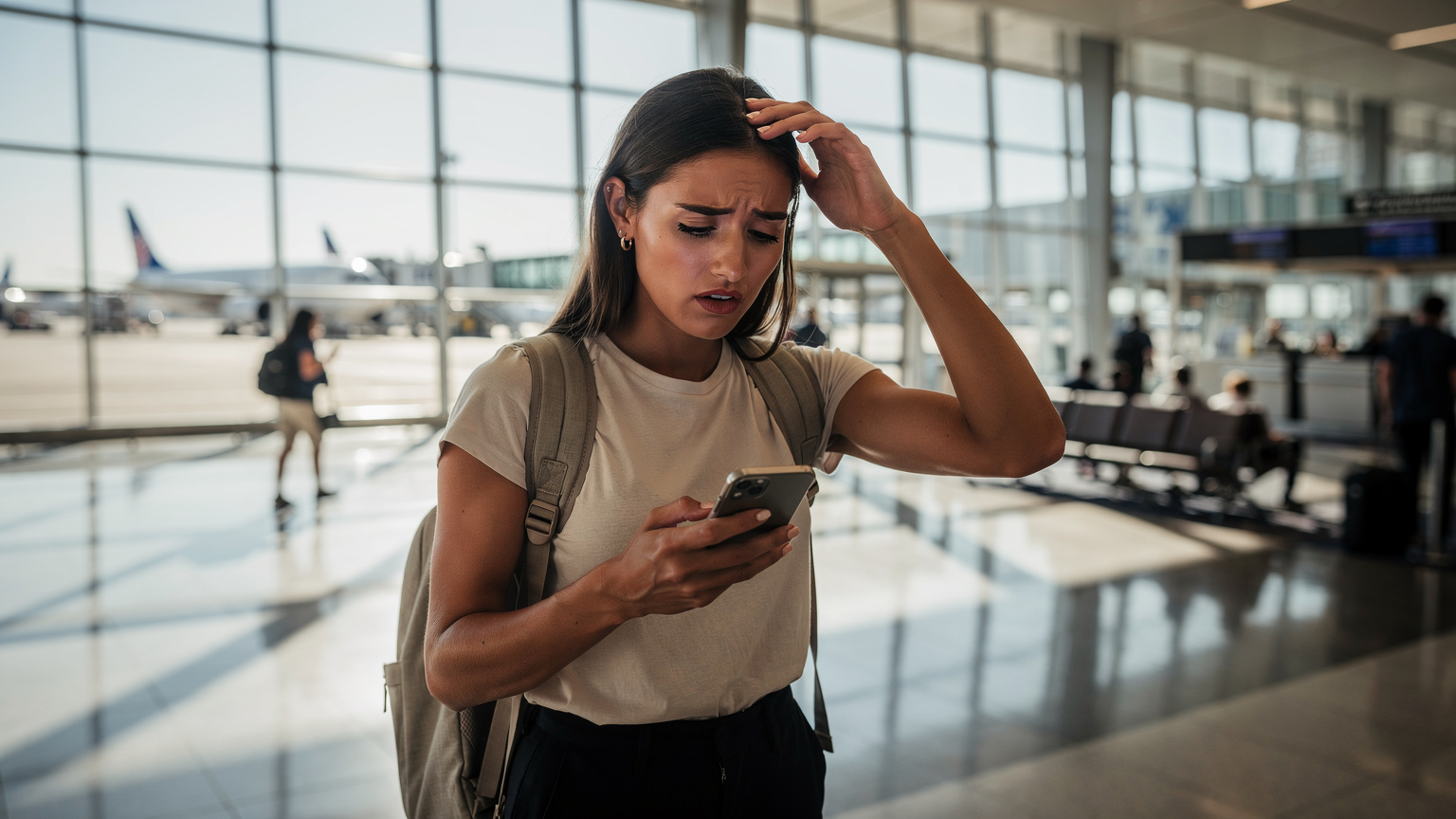
Imagine a typical 7-day trip. If you use your phone every day, that's an automatic $70 just for connectivity. A two-week vacation? $140. This can quickly overshadow the cost of a dedicated local data plan. Moreover, what if you only need data for quick map checks or a few messages? That $10 daily fee applies even if your usage is minimal.
The 24-hour window also creates an interesting edge case. If you arrive in New York City at 8 PM, use your phone, and then use it again at 9 AM the next day, you've triggered two separate daily charges. This isn't ideal for those who prefer more granular control over their spending.
Voice and Text on TravelPass
Voice calls and texts generally work as they would domestically, drawing from your existing plan. This is a clear advantage for maintaining your primary number without needing to inform contacts of a temporary local number. However, you're still relying on the stability of Verizon's network for Voice over LTE (VoLTE) and Voice over WiFi (VoWiFi). While these technologies are mature, handoff issues, especially in areas with weaker signal or during transitions between Wi-Fi and cellular, can lead to dropped calls. Some older or less common international phone models might also struggle with Verizon's VoLTE implementation, forcing them back to legacy 3G for calls, if available, or preventing calls altogether.
WestESIM: A Deeper Dive into Local Connectivity
Enter WestESIM, a solution that fundamentally changes the roaming paradigm by providing a local data profile on your existing eSIM-compatible device. Instead of roaming on your home carrier, you're effectively connecting as a local, often leveraging the infrastructure of major US carriers like T-Mobile or AT&T, depending on the specific plan.
WestESIM plans for the USA are generally structured around fixed data allowances for a set duration, for example, 10GB for 30 days. This upfront cost model is transparent and predictable. You know exactly what you're paying for and how much data you have, eliminating the surprise daily charges of TravelPass. (For those looking into long-term travel or needing to manage multiple lines, iPhone 17 Pro Max & eSIM: Your Family's 2026 Guide to Flawless Roaming offers some excellent insights into device capabilities.)
The key technical advantage of using a dedicated data plan is often direct access to the local network's capabilities without a roaming agreement middle layer. This means you're not deprioritized, and you can often access a broader range of carrier aggregation combinations, leading to higher sustained speeds. For instance, if a WestESIM plan utilizes T-Mobile's network, you'd benefit from their extensive 5G (n41, n71, n258, n260, n261) and LTE (B2, B4, B5, B12, B66, B71) coverage, which in many areas, particularly major cities like Los Angeles or Miami, offers average download speeds ranging from 150-300 Mbps on 5G, and 40-80 Mbps on LTE, with upload speeds typically 15-40 Mbps.
Flexibility and Cost Control
The primary benefit here is control. You purchase a specific amount of data for a specific duration. If you run out, you can top up or purchase another plan. There's no ambiguity about daily fees or hidden triggers. This makes budgeting for connectivity much simpler, a crucial factor for any traveler, especially those on longer trips or those who are heavy data users.
Consider a digital nomad spending a month exploring national parks and cities. A plan like 20GB for 30 days would likely be significantly cheaper than 30 days of TravelPass at $10/day, which would total $300. The cost efficiency becomes very apparent over extended periods.
Data-Only, But Not a Dealbreaker
Most WestESIM plans are data-only. This means your existing phone number won't work for calls and texts unless you're using Wi-Fi Calling on your primary line, or relying on OTT (Over-The-Top) applications like WhatsApp, Signal, or FaceTime for communication. This isn't a significant hurdle for many modern travelers. If you need a local US number, there are options like Google Voice or local VoIP apps that can bridge that gap, often for free or a minimal cost.
Cost Analysis: TravelPass vs. WestESIM for US Travel
Let's crunch some numbers. The difference in pricing models is stark, and for most travelers, WestESIM offers a clear financial advantage.
Scenario 1: The Weekend Getaway (3 Days)
A short trip to Las Vegas, arriving Friday evening, departing Sunday afternoon. You'll likely use your phone for maps, restaurant bookings, and social media.
| Feature | Verizon TravelPass | WestESIM (e.g., 3GB / 7 Days) |
|---|---|---|
| Cost | $30 (3 days @ $10/day) | ~$9-12 (one-time purchase) |
| Data Included | Uses domestic plan, potential deprioritization after 2GB/day | 3GB dedicated data |
| Voice/Text | Uses domestic plan | Data only (use WhatsApp/VoIP) |
| Flexibility | Daily charge, even for minimal use | Fixed data, fixed price |
Verdict for Weekend Getaway: WestESIM offers better value. $9-12 for 3GB over 7 days is clearly superior to $30 for potentially deprioritized data, especially if your data needs are modest.
Scenario 2: The Two-Week Road Trip (14 Days)
Driving from San Francisco to Seattle, relying on navigation, streaming music, and sharing photos. This is where data usage can climb.
| Feature | Verizon TravelPass | WestESIM (e.g., 10GB / 30 Days) |
|---|---|---|
| Cost | $140 (14 days @ $10/day) | ~$25-35 (one-time purchase) |
| Data Included | Uses domestic plan, potential deprioritization after 2GB/day | 10GB dedicated data |
| Voice/Text | Uses domestic plan | Data only (use WhatsApp/VoIP) |
| Savings | None | Significant, ~$100+ |
Verdict for Two-Week Road Trip: WestESIM is the overwhelming winner. The savings are substantial, freeing up budget for experiences rather than connectivity. For more detailed technical guidance on US connectivity, consider Thanksgiving 2026: The Engineer's eSIM & Connectivity Guide for US Travelers.
Scenario 3: The Month-Long Digital Nomad Stint (30 Days)
Working remotely from various cities, requiring consistent high-speed data for video calls, uploads, and downloads.
| Feature | Verizon TravelPass | WestESIM (e.g., 20GB / 30 Days) |
|---|---|---|
| Cost | $300 (30 days @ $10/day) | ~$40-60 (one-time purchase) |
| Data Included | Uses domestic plan, potential deprioritization after 2GB/day | 20GB dedicated data |
| Voice/Text | Uses domestic plan | Data only (use WhatsApp/VoIP) |
| Value for money | Poor for heavy usage | Excellent, cost-effective |
Verdict for Digital Nomad: WestESIM is the undisputed champion. The cost difference is so vast that TravelPass is simply not a viable option for extended, data-intensive stays. A month of TravelPass could buy you several months of WestESIM plans.
Network Performance and Coverage: What to Expect
When it comes to the underlying network, both options are ultimately leveraging US cellular infrastructure, but the way you access it differs.
Verizon's Native Network: Strengths and Weaknesses
Verizon boasts one of the most extensive and reliable networks in the USA, particularly in rural areas where their low-band spectrum (B13) penetrates well. Their 5G Ultra Wideband, deployed on millimeter-wave (mmWave) bands like n260 and n261 in dense urban centers like Chicago's Loop or parts of Las Vegas Strip, can deliver multi-gigabit speeds, but its range is extremely limited, often to a few blocks. Their mid-band 5G (n77, C-band) offers a better balance of speed and coverage, with typical real-world speeds of 200-800 Mbps download, 20-100 Mbps upload. However, outside of these dense areas, you'll mostly be on 5G Nationwide or LTE. The major weakness for TravelPass users, as mentioned, is the potential for deprioritization if the network is congested, meaning your data traffic might be given lower priority than a domestic Verizon subscriber's.
WestESIM's Partner Networks
WestESIM often partners with major US carriers like T-Mobile or AT&T. This means you're connecting directly to their networks. T-Mobile, for example, has aggressively built out its 5G network, leveraging its mid-band n41 spectrum for speeds comparable to Verizon's C-band, and its low-band n71 for broad geographic coverage, even in more remote areas. AT&T also has a strong network, particularly with its low-band 5G (n5, n12) and mid-band 5G (n77) deployments. Their LTE networks are also robust (B2, B4, B12, B17, B30, B66).
The key here is that with WestESIM, you are typically treated as a local subscriber by the partner network, not a roaming one. This means no deprioritization based on your roaming status, giving you access to the network's full capabilities and best available speeds, which can be critical for tasks like uploading large photo albums from a day exploring the Grand Canyon or participating in a critical video conference.
Technical Considerations and Gotchas
As a network engineer, I always look beyond the marketing. There are specific technical nuances that can impact your experience.
APN Settings and Device Compatibility
For WestESIM, you'll generally receive an APN (Access Point Name) configuration. Most modern smartphones, particularly iPhones (like the iPhone 17 Pro Dual-eSIM: Master Global Roaming & Local Data by 2027) and Pixels (especially the Pixel 10 Pro: Why Nomad Families Will Love Its Multi-Country eSIM by 2027), handle APN settings automatically once the eSIM profile is installed. However, some Android devices, particularly those from manufacturers like Xiaomi or certain regional variants of Samsung phones, might occasionally require manual APN entry. It's rare, but I've seen it happen. The settings are usually straightforward (e.g., APN: 'internet', username/password blank), but it's a small detail to be aware of.
VoLTE and VoWiFi Support
This is a big one. Since most WestESIM plans are data-only, they do not inherently provide a US phone number for traditional calls and texts. Your primary line, however, might still be able to use VoWiFi (Wi-Fi Calling) if your home carrier supports it for international roaming. This allows you to make and receive calls on your home number using Wi-Fi, which is crucial in areas with no cellular signal or if you want to avoid per-minute roaming charges on your primary line. Ensure your phone's Wi-Fi Calling setting is enabled and configured for your primary SIM before you travel.
For calls over the WestESIM data connection, you'll be relying on IP-based services like WhatsApp, FaceTime Audio/Video, or Google Meet. These will function perfectly as long as you have an active data connection. The real 'gotcha' is if you absolutely need to make traditional calls to US landlines or non-VoIP mobile numbers without relying on third-party apps. In such cases, a temporary US number from a VoIP provider or using your primary number for limited calls via TravelPass might be necessary, though expensive.
CGNAT and IPv6-Only Networks
Most mobile networks, including those used by WestESIM partners, operate behind Carrier-Grade NAT (CGNAT) and are increasingly moving towards IPv6-only deployments with IPv4-as-a-Service (464XLAT). This is standard practice and generally transparent to the end-user. However, if you rely on specific applications that require inbound connections, static IP addresses, or certain VPN configurations that aren't compatible with CGNAT or IPv6-only environments, you might encounter issues. This is a niche concern, but for any heavy network users or IT professionals, it's worth noting. Most casual internet use, streaming, and social media are unaffected.
Real-World Scenarios: Who Benefits More?
Let's consider who each option is truly for.
The Casual Traveler with Minimal Data Needs
If you're someone who primarily uses Wi-Fi, only checks emails occasionally, and makes very few calls, TravelPass might seem appealing for its simplicity. However, even for minimal use, that $10 daily charge still applies. For example, if you just open Google Maps once a day and receive a few text messages, you're paying $10. A small WestESIM package (e.g., 1GB for 7 days at $5-7) would still be cheaper and offer more control. The only true benefit here for TravelPass is keeping your home number fully active for calls and texts without any app reliance.
The Business Traveler on a Tight Schedule
Business travelers often need reliable connectivity for video calls, presentations, and email. They also need to be reachable on their primary number. While TravelPass offers the latter, the potential for data deprioritization after the daily limit (e.g., 2GB) could be disastrous for a critical video conference from a hotel in downtown Chicago during rush hour. WestESIM, by offering dedicated, non-deprioritized data on a local network, could provide more consistent performance for data-intensive tasks. The lack of a local number can be mitigated by using Wi-Fi Calling on their primary SIM for calls, or by simply using a VoIP service.
The Long-Term Explorer or Digital Nomad
This is where WestESIM shines brightest. For anyone spending more than a week in the USA, the cumulative cost of TravelPass becomes prohibitive. A digital nomad working from a cafe in Austin, Texas, or exploring the Pacific Northwest for a month would quickly accrue hundreds of dollars in TravelPass fees. WestESIM's larger data packages (e.g., 20GB, 30GB, or even unlimited data options for 30 days) offer immense savings and peace of mind. For travelers planning intricate, multi-country itineraries, WestESIM's flexibility to offer regional eSIMs is also a huge plus, ensuring seamless transitions between countries, much like you'd want for an eSIM for USA.
eSIM Activation: A Step-by-Step Guide
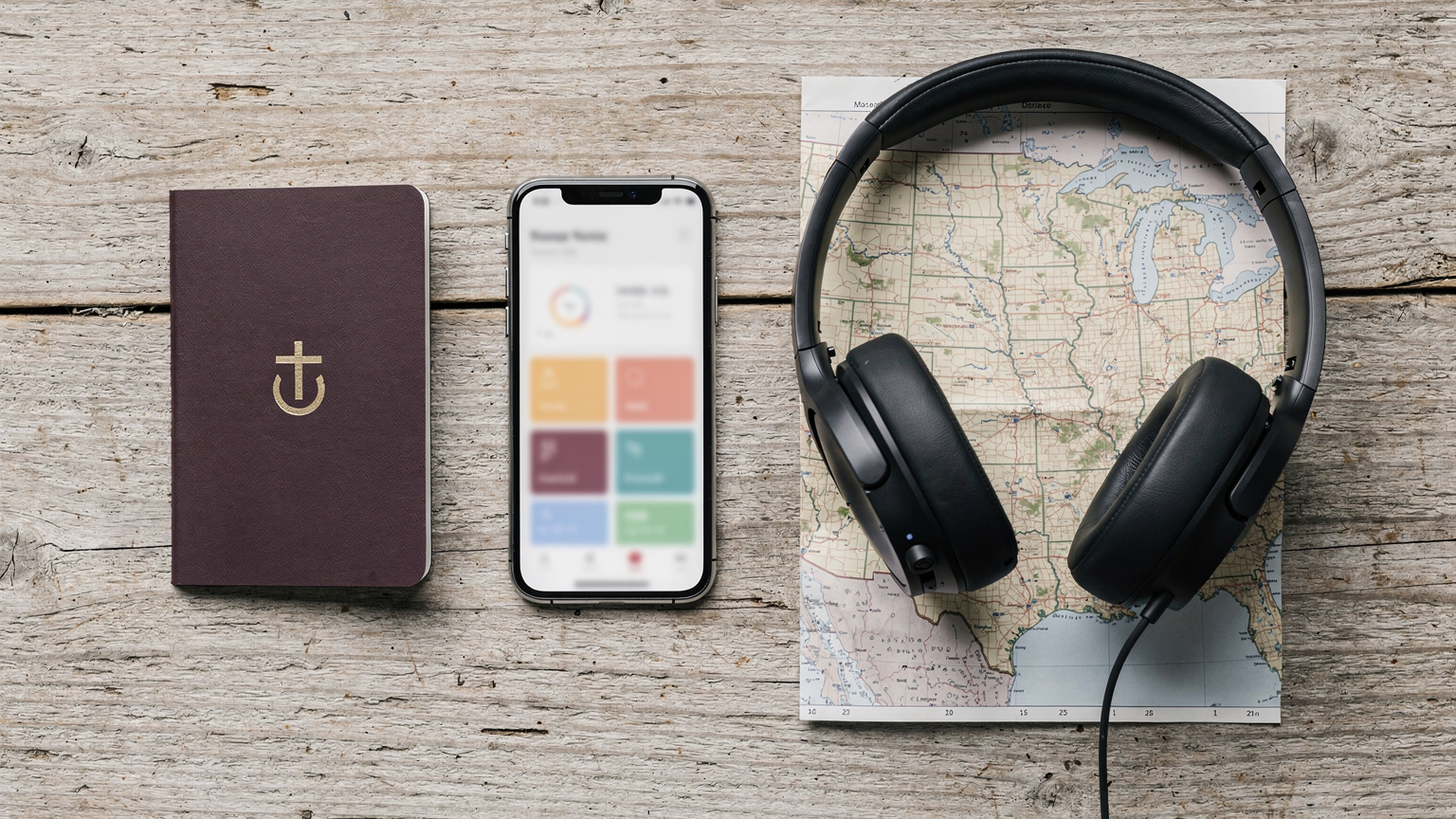
Activating a WestESIM is straightforward, typically taking just a few minutes. Here's a general procedure:
- Purchase Your eSIM: Visit the WestESIM website and select your desired USA data package. You'll receive a QR code via email almost instantly.
- Prepare Your Device: Ensure your phone is unlocked and eSIM compatible. Most modern iPhones (XS and newer) and many Android flagships (Samsung Galaxy S20 onwards, Google Pixel 3 onwards) support eSIM. For optimal experience, particularly with devices that support multiple eSIMs, ensure your device's software is up to date.
- Add the eSIM Profile:
- For iPhones: Go to Settings > Cellular > Add eSIM. Choose 'Use QR Code' and scan the code from your email. Follow the on-screen prompts.
- For Android (varies slightly by model): Go to Settings > Network & internet > SIMs > Add a SIM or Settings > Connections > SIM manager > Add eSIM. Select 'Scan QR code' and proceed.
- Configure for Data: Once installed, label your new eSIM (e.g., 'USA Travel') and set it as your primary line for cellular data. Keep your primary SIM active for calls/texts if you wish to receive them via Wi-Fi Calling.
- Enable Data Roaming (for eSIM): Crucially, for the WestESIM profile, you must enable 'Data Roaming' in your phone's cellular settings. This does not mean you're roaming on your home carrier, but rather allowing the eSIM to connect to its local partner network.
- Test Connectivity: Once activated, disable Wi-Fi and open a browser or app to confirm you have data access. If there are any issues, double-check APN settings, ensure data roaming is on for the eSIM, and try restarting your device.
FAQ: Your Pressing Questions Answered
Navigating international connectivity can raise many questions. Here are some common ones:
Always double-check your device's eSIM compatibility before purchasing any plan. Most newer flagships support it, but older or budget models might not. You can usually find this information in your phone's settings or by consulting the manufacturer's website.
Can I keep my primary number active while using WestESIM for data?
Yes, absolutely. Most modern phones support Dual SIM Dual Standby (DSDS) functionality, allowing you to have your primary SIM (physical or eSIM) active for calls and texts while using WestESIM for data. Just ensure your primary SIM's data roaming is turned OFF to avoid unexpected charges, and consider enabling Wi-Fi Calling on your primary line for incoming calls when connected to Wi-Fi or WestESIM's data.
What if I run out of data on my WestESIM plan?
If you deplete your data allowance, your WestESIM data connection will stop. You can typically purchase a top-up package or a new eSIM plan directly from the WestESIM website. This process is usually quick and can be done from your phone via Wi-Fi if available, or by temporarily enabling your primary SIM's data (if you don't mind the cost) to complete the purchase.
Will my phone work in remote areas of the USA with WestESIM?
WestESIM leverages partner networks like T-Mobile or AT&T, which have extensive coverage across the USA. While urban and suburban areas generally have strong signals, remote regions, particularly national parks or mountainous areas, can have spotty or no coverage regardless of the carrier. Always check the coverage maps of the specific partner network WestESIM uses for your plan to manage expectations in truly off-grid locations.
Is there a speed difference between TravelPass and WestESIM?
Potentially, yes. While both access major US networks, TravelPass users might experience data deprioritization after a certain usage threshold (e.g., 2GB/day) or during network congestion, as roaming traffic can be lower priority. WestESIM users, connecting as local subscribers to partner networks, typically receive full-speed data without such deprioritization, leading to more consistent and often faster performance, particularly on 5G bands like n41 (T-Mobile) or n77 (Verizon/AT&T).
Can I use WestESIM for tethering or hotspot?
Most WestESIM plans allow tethering (using your phone as a mobile hotspot) to share your data connection with other devices like laptops or tablets. This is usually enabled by default in your phone's settings. However, always check the specific terms of your WestESIM plan, as some promotional or unlimited data packages might have specific fair use policies or speed limitations for hotspot usage.
What about emergency calls (911) with WestESIM?
eSIMs generally support emergency calls, but it's crucial to understand that a data-only eSIM does not provide a traditional phone number for responders to call back. In an emergency, your primary SIM, if active (even without data or a local network), should still be able to initiate a 911 call. If you are solely relying on a data-only eSIM and have no primary SIM active, an emergency call might still be placed, but location services and call-back functionality could be limited. It's always safest to ensure your primary SIM is provisioned for emergency calls, or to have a backup VoIP solution with a registered US number if you're frequently in areas with no Wi-Fi. For general safety, always be aware of your surroundings and have a plan, especially when traveling to new places.
Frequently Asked Questions
Can I keep my primary number active while using WestESIM for data?
Yes, absolutely. Most modern phones support Dual SIM Dual Standby (DSDS) functionality, allowing you to have your primary SIM (physical or eSIM) active for calls and texts while using WestESIM for data. Just ensure your primary SIM's data roaming is turned OFF to avoid unexpected charges, and consider enabling Wi-Fi Calling on your primary line for incoming calls when connected to Wi-Fi or WestESIM's data.
What if I run out of data on my WestESIM plan?
If you deplete your data allowance, your WestESIM data connection will stop. You can typically purchase a top-up package or a new eSIM plan directly from the WestESIM website. This process is usually quick and can be done from your phone via Wi-Fi if available, or by temporarily enabling your primary SIM's data (if you don't mind the cost) to complete the purchase.
Will my phone work in remote areas of the USA with WestESIM?
WestESIM leverages partner networks like T-Mobile or AT&T, which have extensive coverage across the USA. While urban and suburban areas generally have strong signals, remote regions, particularly national parks or mountainous areas, can have spotty or no coverage regardless of the carrier. Always check the coverage maps of the specific partner network WestESIM uses for your plan to manage expectations in truly off-grid locations.
Is there a speed difference between TravelPass and WestESIM?
Potentially, yes. While both access major US networks, TravelPass users might experience data deprioritization after a certain usage threshold (e.g., 2GB/day) or during network congestion, as roaming traffic can be lower priority. WestESIM users, connecting as local subscribers to partner networks, typically receive full-speed data without such deprioritization, leading to more consistent and often faster performance, particularly on 5G bands like n41 (T-Mobile) or n77 (Verizon/AT&T).
Can I use WestESIM for tethering or hotspot?
Most WestESIM plans allow tethering (using your phone as a mobile hotspot) to share your data connection with other devices like laptops or tablets. This is usually enabled by default in your phone's settings. However, always check the specific terms of your WestESIM plan, as some promotional or unlimited data packages might have specific fair use policies or speed limitations for hotspot usage.
What about emergency calls (911) with WestESIM?
eSIMs generally support emergency calls, but it's crucial to understand that a data-only eSIM does not provide a traditional phone number for responders to call back. In an emergency, your primary SIM, if active (even without data or a local network), should still be able to initiate a 911 call. If you are solely relying on a data-only eSIM and have no primary SIM active, an emergency call might still be placed, but location services and call-back functionality could be limited. It's always safest to ensure your primary SIM is provisioned for emergency calls, or to have a backup VoIP solution with a registered US number if you're frequently in areas with no Wi-Fi. For general safety, always be aware of your surroundings and have a plan, especially when traveling to new places.