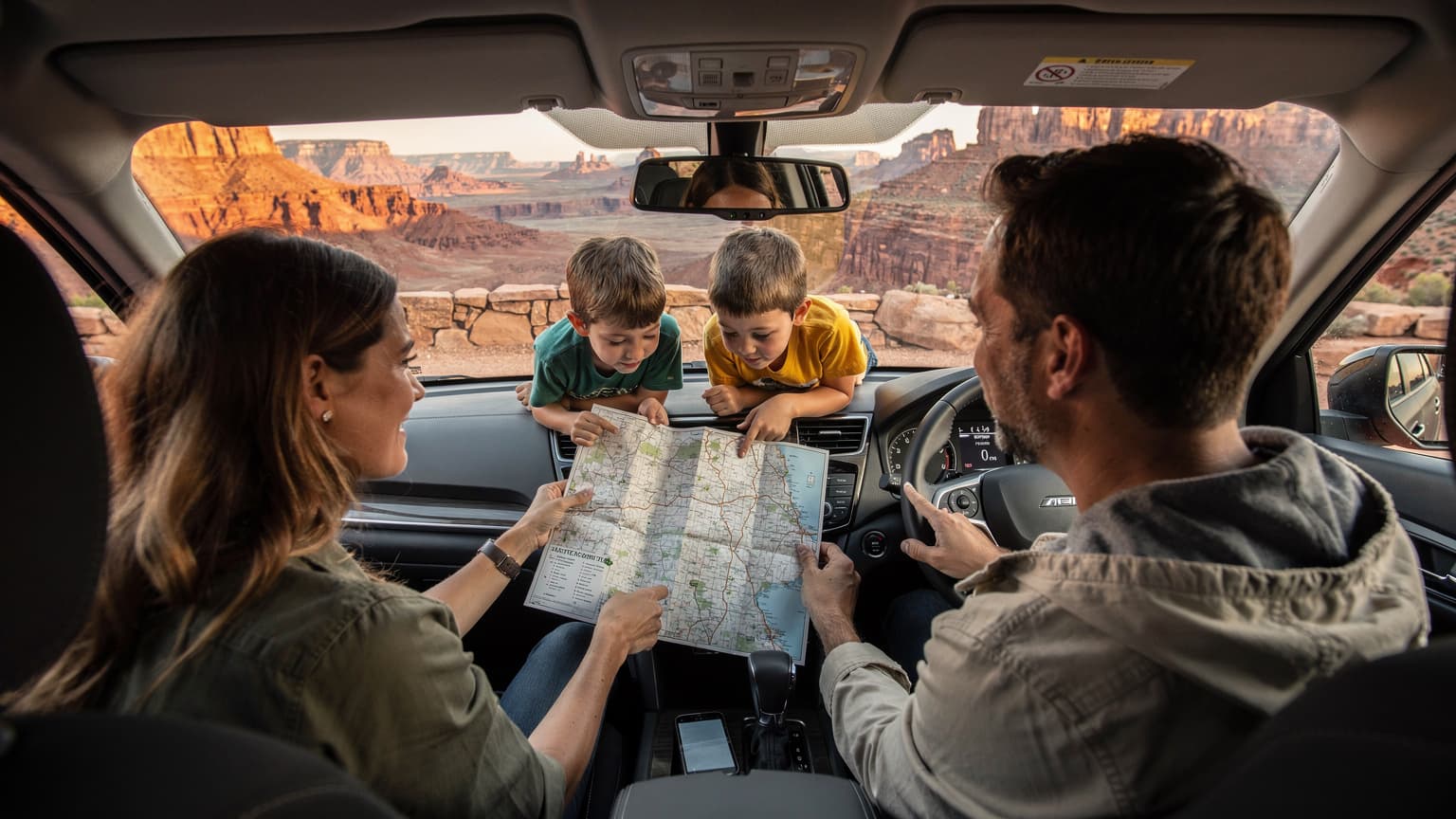
The Allure of Free Data for Your Great American Road Trip
As a seasoned family travel planner, I know the siren song of 'free' data. It's a melody that can sway even the most budget-conscious parent, especially when you're contemplating a cross-country USA road trip. The idea of getting something for nothing, even for a short while, feels like a small victory amidst the endless hotel bookings and snack provisions. But when you're packing up the SUV, ensuring the iPads are charged, and mentally calculating how many episodes of Bluey or rounds of Roblox two kids can consume, 'free' can quickly turn into 'frustratingly insufficient'.
My experience has taught me that the USA, despite its vastness and technological advancements, still has its fair share of connectivity quirks. From the wide-open spaces of Arizona's deserts to the dense forests of the Pacific Northwest, cell service can be a patchwork. For a family road trip, where navigation, emergency contacts, and the occasional digital babysitter (hello, Disney+) are paramount, relying solely on a fleeting free trial might be a gamble too big to take. We're talking about keeping the peace in the backseat here, people, and that often hinges on uninterrupted streaming.
The Reality of eSIMs for Family Travel
eSIMs have been a game-changer for my family's international trips, streamlining connectivity across continents. For example, when we were planning our Family Travel to Asia: Keeping Kids Connected in Thailand & Japan, the thought of juggling multiple physical SIMs for our devices, plus the kids' tablets, was enough to give me hives. With an eSIM, it's a digital profile, activated with a QR code, that lets you switch carriers without ever touching a tiny, fiddly piece of plastic. This is brilliant for multi-device households, as it means fewer lost SIM cards and less fumbling in airport queues.
For a USA road trip, an eSIM can be incredibly convenient. You can set it up before you even leave home, ensuring you're connected the moment you hit the interstate. But the question remains, is a free trial truly enough? Or is it merely a taste of what could be, leaving you wanting more, right when you're in the middle of nowhere, needing to find the nearest Waffle House?
What is a T-Mobile eSIM Free Trial, and How Does it Work?
T-Mobile's eSIM free trial is essentially a goodwill gesture, allowing potential customers to test their network before committing to a plan. It's designed to give you a taste of their 'Un-carrier' experience, letting you see how their coverage holds up in your daily life. For a road trip, this means you can theoretically activate it and get a sense of their network performance along your planned route.
Typically, these trials offer a set amount of data, often a generous chunk, but for a limited duration, usually 30 days. It's not a full-fledged, unlimited plan, but rather a sample. You'll need an eSIM-compatible device, which most newer smartphones now are, to take advantage of it. The activation process is fairly straightforward, done entirely through an app, which is a blessing when you're juggling kids and luggage.
Who is the T-Mobile Trial For?
This trial is primarily aimed at individuals considering switching to T-Mobile. It's perfect for someone wanting to check if T-Mobile has good signal at their home, work, or frequently visited spots. For a short weekend trip to a specific region, it might even suffice for basic navigation and communication. However, for a two-week cross-country trek with multiple devices, it starts to feel a bit like trying to fill a swimming pool with a thimble.
Activating Your eSIM Trial
The beauty of eSIMs, whether a trial or a paid plan, is their ease of activation. No more hunting for a SIM card cutter or trying to find a paperclip to open the tray. It's all digital. You download an app, follow a few prompts, and the eSIM profile is added to your phone. Just remember to ensure your current phone isn't locked to your existing carrier, as that can throw a wrench in the works.
The Fine Print: Data Limits and Duration for Families
Here's where the rubber meets the road, or rather, where the gigabytes meet the streaming kids. A typical T-Mobile eSIM free trial often provides around 30GB of high-speed data for 30 days. While 30GB sounds substantial, let's break down what that actually means for a family on a road trip.
My kids, bless their tech-savvy hearts, can burn through data faster than I can say "Are we there yet?" One hour of streaming Disney+ in HD can gobble up 3GB of data per device. If both kids are streaming on their iPads for, say, two hours a day during long stretches of driving, that's 12GB gone. In just three days, you've used over a third of your trial data. And that's not even counting my own navigation, checking email, or my partner trying to find the best local BBQ joint on Yelp.

The Math of Family Data Consumption
Let's consider a conservative estimate for a family of four, two adults and two children (ages 8 and 10), on a two-week road trip:
- Navigation (Google Maps, Waze): ~2GB/week (more if you're constantly exploring new areas).
- Adult Browsing/Email/Social Media: ~5GB/week (for both adults combined).
- Kid Streaming (Disney+, Netflix, YouTube Kids): ~24GB/week (assuming 2 hours/day per child, each using 3GB/hour).
- Gaming (Roblox, Minecraft online): ~3GB/week (less intense than video, but adds up).
- Music Streaming (Spotify, Apple Music): ~1GB/week.
Total estimated weekly consumption: roughly 35GB. For a two-week trip, you're looking at 70GB. That 30GB free trial? It will barely last you the first week, leaving you scrambling for solutions somewhere in the middle of Iowa. This is why for sustained travel, especially with device-dependent children, a dedicated, larger data plan is almost always the smarter move. It's a common dilemma, as highlighted in Free eSIM Trials: Your Tactical Advantage for Global Travel Data in 2026, where the tactical advantage is often about short-term fixes, not long-term solutions.
When a Free Trial Might Actually Work
I will concede, there are niche scenarios where a free trial could be beneficial:
- Short Test Drive: You're planning a trip to a specific national park and want to test T-Mobile's coverage there for a day or two.
- Backup Data: You have an existing plan but want a temporary backup line for emergencies or an extra device.
- Transition Period: You're moving and need temporary data before your new home internet is set up.
But for a true cross-country adventure, it's a non-starter for my family. The stress of constantly monitoring data usage and rationing screen time would negate any 'free' benefit.
Mapping Your Route: T-Mobile Coverage Where the Rubber Meets the Road
T-Mobile boasts a strong 5G network in urban and suburban areas across the USA. If your road trip involves hopping from one major city to the next, like from New York City to Chicago to Denver, you'll likely experience excellent service. However, the USA is vast, and many of the most scenic road trip routes take you far from bustling metropolitan hubs.
Think about driving through the expansive landscapes of Montana or the remote stretches of Route 66 in New Mexico. These are areas where network coverage, regardless of the carrier, can become spotty. T-Mobile, like AT&T and Verizon, uses a combination of owned towers and roaming agreements to provide service. While their coverage has improved dramatically over the years, particularly with their 600MHz spectrum for better rural penetration, there are still dead zones.
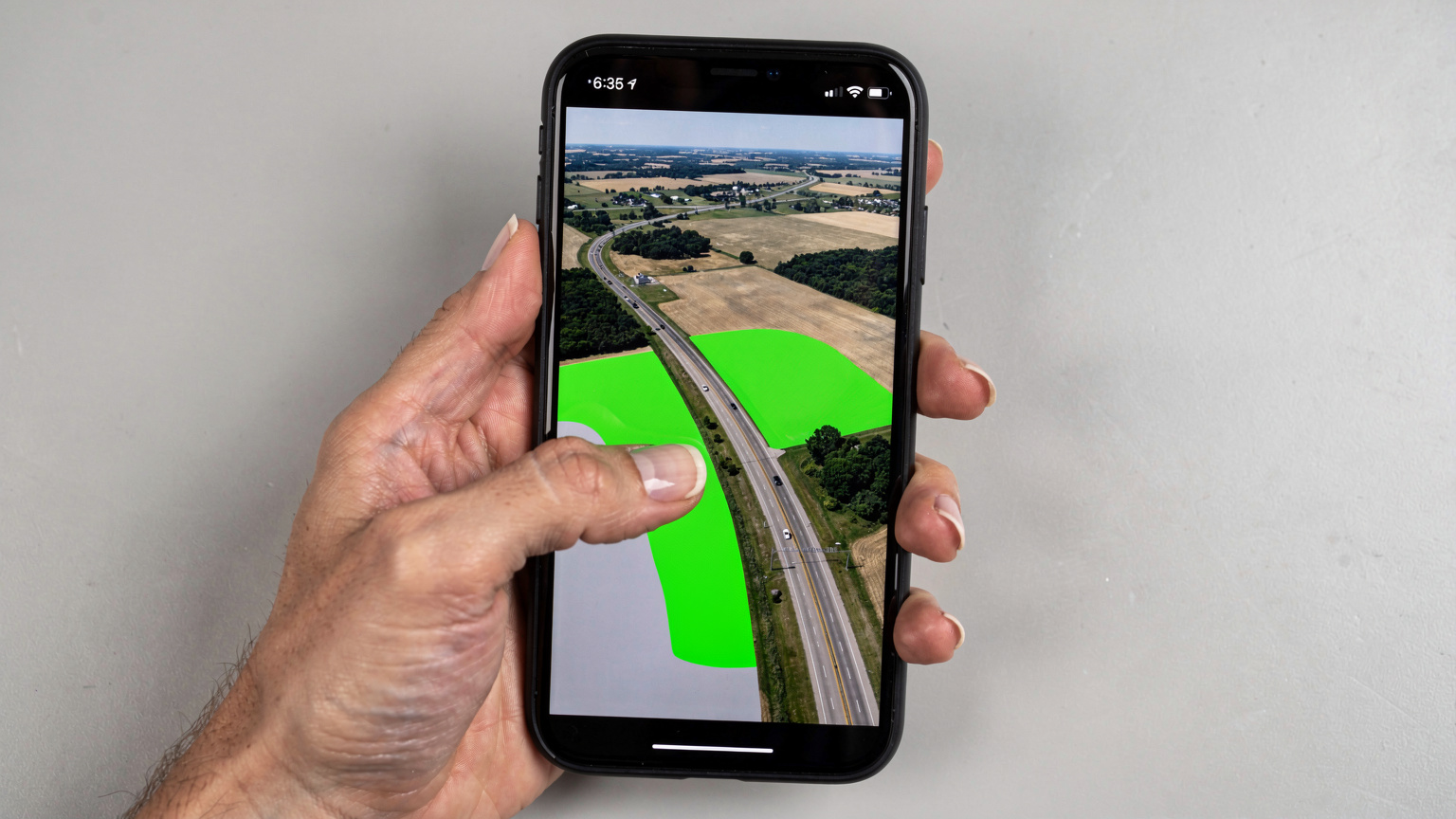
Checking Coverage Maps Before You Go
My golden rule for any trip, especially a road trip, is to obsessively check coverage maps. T-Mobile provides detailed, interactive maps on their website. Plot your entire route, zoom in on those isolated stretches, and pay attention to areas marked as 'partner coverage' or 'no service'. Remember, these maps are often optimistic, so assume worst-case scenarios, especially when you have kids whose internal clocks run on YouTube Kids.
Here's a quick comparison of the major carriers' rural coverage, based on general consensus and my own travels:
| Carrier | Rural Coverage Strength | Key Areas of Weakness (General) |
|---|---|---|
| Verizon | Strongest overall, especially in remote areas | Parts of Northern Michigan, Alaska (outside major cities) |
| AT&T | Very good, slightly behind Verizon in some deep rural spots | Sparse areas of Nevada, Wyoming, specific national parks |
| T-Mobile | Significantly improved, strong 5G in many smaller towns | Deep rural mountains, some desert regions, parts of the Dakotas |
| US Cellular | Excellent in its specific regional operating areas (Midwest, parts of PNW) | Limited presence outside its core service areas, relies on roaming |
The Challenge of Theme Parks and Cruise Ships
Beyond the open road, consider your destinations. Theme parks like Disney World or Universal Studios, while often having Wi-Fi, can be notorious for congested cellular networks. Thousands of people all trying to upload photos, check wait times on the park apps, and text family members can bring even the strongest networks to their knees. A single T-Mobile free trial, shared across multiple devices, will struggle immensely here.
Cruise ships are another beast entirely. Once you're out to sea, your regular cellular plan, even a robust one, won't work without incurring exorbitant roaming charges. Cruise ships typically offer their own Wi-Fi packages, which are often expensive and slow. For these segments of a trip, planning for offline entertainment and minimal connectivity is crucial. Load up those tablets with movies and games *before* you embark!
The Kids' Devices and Your Sanity: What About Streaming and Gaming?
This is where my "slightly weary parent humour" really comes into play. The sheer amount of data two active kids can consume is astounding. It's not just Disney+, though that's certainly a major player. There's also YouTube Kids, Netflix, Roblox, Minecraft, and countless other apps that suddenly demand an internet connection. My 10-year-old would argue that Roblox is a fundamental human right, especially on a long drive through Kansas.
Pre-loading content before the flight or long drive is non-negotiable. Seriously, make this your mantra. Download seasons of shows on Netflix, entire movies on Disney+, and offline games on their tablets. Apps like Google Maps also allow you to download entire regions for offline navigation, which is a lifesaver in dead zones, and one less data drain on your precious gigabytes.
Managing Screen Time and Data Usage
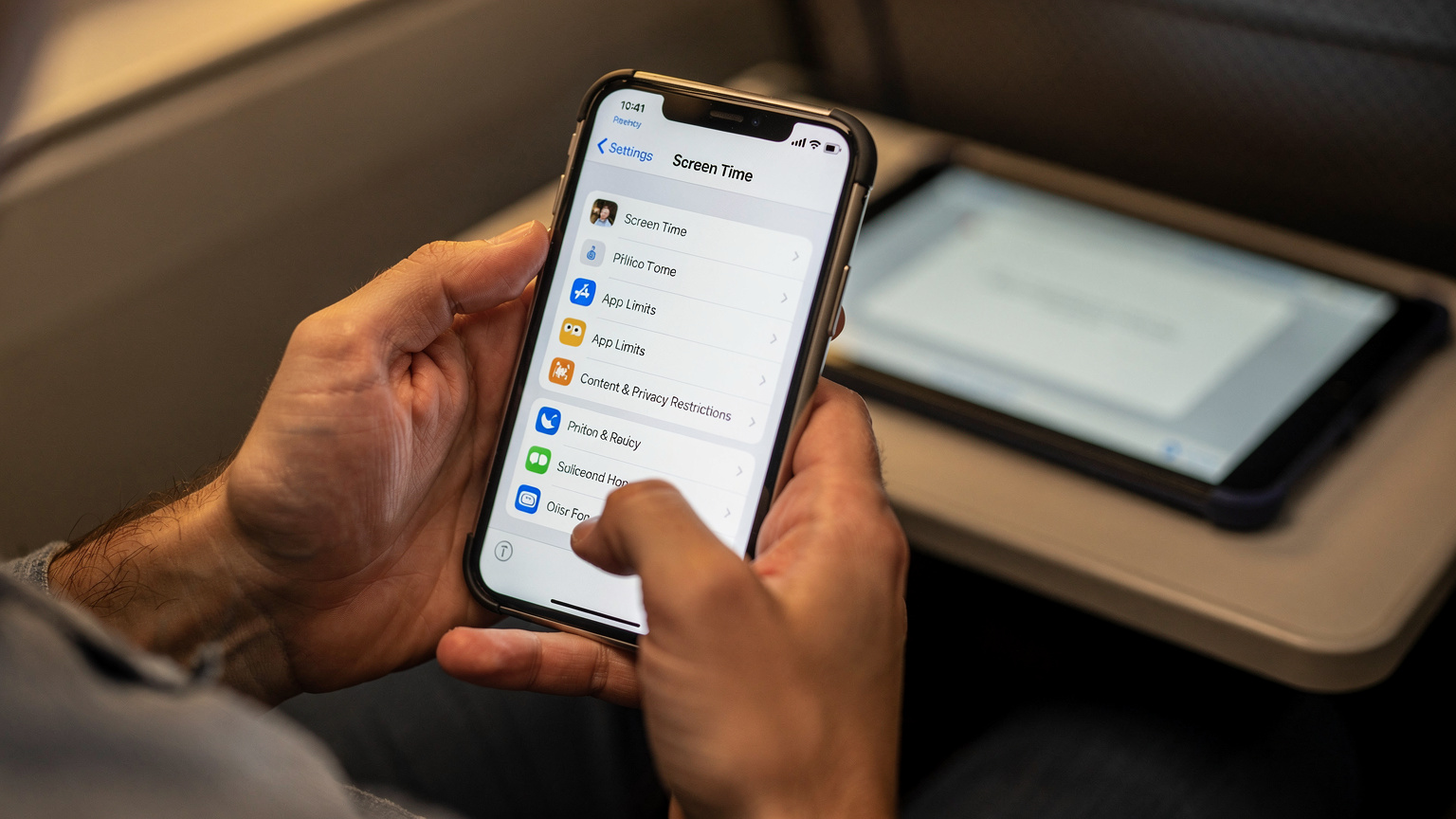
Even with pre-loaded content, kids will inevitably ask for 'just a little bit' of online time. This is where parental controls and data management tools become your best friends. On iPhones, Screen Time allows you to set app limits and downtime, which can be invaluable. For Android, Family Link offers similar features. These can be configured to work even when they're connected via an eSIM line, giving you control over their digital diet.
Another tip: consider a portable Wi-Fi hotspot device if you anticipate heavy usage from multiple devices. You can put a dedicated data eSIM into the hotspot, creating a shared Wi-Fi network for all devices, including their iPads and Nintendo Switch. This often provides a more stable connection than tethering from a phone and centralizes data management. You can grab a dedicated USA eSIM from a provider like us, and pop it into a mobile hotspot device. It’s like carrying your own little bubble of connectivity.
Alternative eSIM Options for USA Travel Beyond the Trial
Since a free trial is unlikely to cut it for a full-fledged family road trip, let's talk about the more robust, paid options. The USA market for eSIMs for travelers is quite competitive, offering a range of choices from local carriers to international eSIM providers. The key is finding a plan that matches your data needs, duration, and budget, especially when thinking about a family's worth of devices.
Local US Carriers for eSIMs
Major US carriers like T-Mobile, AT&T, and Verizon all offer eSIM support for their regular plans. If you're planning an extended stay, say a month or more, or if you want a multi-line plan for the family, going directly with one of these carriers might be cost-effective. You can often get better per-GB rates on larger plans, and some offer family discounts.
| Carrier | Best For | Typical Cost (Monthly) | eSIM Availability |
|---|---|---|---|
| Verizon | Best overall rural coverage, premium service | $65-80 for unlimited single line | Yes, for most postpaid and some prepaid plans |
| AT&T | Strong coverage, good balance of speed and reach | $50-75 for unlimited single line | Yes, for most postpaid and some prepaid plans |
| T-Mobile | Value, strong 5G in urban areas, international perks | $40-70 for unlimited single line | Yes, for most postpaid and prepaid plans |
| Mint Mobile (MVNO on T-Mobile) | Budget-conscious travelers, longer prepaid durations | $15-30 (prepaid for 3, 6, 12 months) | Yes, easy activation |
For a family, Mint Mobile, an MVNO (Mobile Virtual Network Operator) that runs on T-Mobile's network, is often a good budget choice, especially for longer trips. You prepay for 3, 6, or 12 months, which brings the monthly cost down significantly. They also have a 'family' option that lets you manage multiple lines, although it's more like separate prepaid plans under one umbrella, not a traditional shared data pool. Still, for keeping multiple devices connected, it's a solid contender.
International eSIM Providers
This is where providers like us come in. We specialize in travel eSIMs, offering plans specifically designed for visitors to the USA (and pretty much anywhere else you can imagine, like when you're planning your Europe in 2026: The Engineer's Multi-Country eSIM Strategy). These plans are usually data-only, or with a minimal local number, and are incredibly flexible. You can buy exactly the amount of data you need for the duration of your trip, whether it's 10GB for 15 days or 50GB for 30 days. The beauty is that you can often top up easily if you run low, which is a massive relief when you realize the kids are, once again, streaming Moana for the fifth time.
When choosing, look for providers that:
- Offer flexible data packages: From small top-ups to large bundles.
- Have good coverage in your travel areas: Often leveraging major US networks.
- Provide easy activation and support: Crucial when you're on the road.
- Allow quick top-ups: So you don't get stranded without data.
The upfront cost might seem a bit higher than a free trial, but the peace of mind knowing you have reliable, sufficient data for everyone is, frankly, priceless on a family road trip.
Planning for the Unpredictable: Dead Zones and Offline Strategies
Even with the best eSIM plan in the world, there will be moments, particularly in the vast American wilderness, where you hit a complete dead zone. It’s a reality of road-tripping. I’ve been there, staring at a phone with no signal bars, trying to remember if I downloaded the directions to the next campsite. It's why I always preach preparedness.
My key strategy involves a multi-pronged approach to ensure we’re never truly disconnected, or at least, never bored. This includes a mix of technology and good old-fashioned analog solutions. Because let’s be honest, trying to find a gas station that takes Apple Pay when your phone has zero signal is an unnecessary stressor.
Offline Maps: Your Co-Pilot
This cannot be stressed enough. Before you leave, download offline maps for your entire route and surrounding areas on Google Maps or Apple Maps. This means you can still navigate, even without a data connection. It's saved us from countless arguments and wrong turns in places like the Grand Canyon National Park, where cell service is notoriously spotty.
- Open Google Maps: Ensure you're signed into your Google account.
- Search for your destination: Or simply zoom into the area you want to download.
- Tap your profile picture: In the top right corner.
- Select 'Offline maps': Then 'Select your own map'.
- Adjust the area: Pinch and zoom to cover the desired region.
- Tap 'Download': Repeat for all major segments of your trip.
Entertainment for All Ages: Offline and Otherwise
While data is critical for communication and navigation, it's also the backbone of backseat entertainment. When planning for those inevitable dead zones, or even just for reducing data usage, make sure your kids' devices are loaded with offline content.
- Download Movies & TV Shows: Utilize streaming service features to download content directly to tablets. Disney+, Netflix, and Amazon Prime Video all offer this.
- Offline Games: Many popular games have offline modes. Check settings before departure.
- Audiobooks & Podcasts: Great for all ages, and perfect for long stretches of scenery. Apps like Audible or Libby (for library books) are excellent.
- Physical Books & Activities: Yes, actual books! And coloring books, travel journals, card games. Sometimes, the best connectivity is no connectivity at all (a parent can dream, right?).
Remember, a fully charged power bank is your best friend. A dead iPad means a very unhappy child, and no parent wants that. My Anker PowerCore 20000 has saved us more times than I can count, especially for those extended drives through national forests.
Managing Parental Controls with an eSIM
One of my biggest concerns when giving devices to my kids, especially when they're using a new data connection like an eSIM, is maintaining parental control. It’s not just about screen time, but also about what they can access. The good news is that most device-level parental controls work regardless of the cellular provider, and an eSIM doesn't change that.
Whether it's an iPhone with Screen Time or an Android with Family Link, these features are tied to the device's operating system and your family's Apple ID or Google account, not the underlying network. This means you can still manage app usage, set content restrictions, and even monitor activity, giving you peace of mind while they're connected via their temporary eSIM data.
Key Parental Control Features to Utilize
Before you hit the road, ensure these are configured:
- App Limits: Set daily time limits for specific apps or categories (e.g., "Games" for 1 hour). This is a lifesaver for curbing excessive Roblox sessions.
- Content & Privacy Restrictions: Block inappropriate websites, restrict movie/TV show ratings, and prevent in-app purchases. You don't want a surprise $40 bill for V-Bucks.
- Downtime: Schedule periods when apps are unavailable (except for approved ones like FaceTime to call home). Perfect for evenings in the hotel or quiet reading time.
- Ask to Buy: Require your approval for any new app downloads or purchases. Essential for preventing accidental downloads of questionable games.
- Location Sharing: Optionally, set up location sharing for older kids for safety, especially if they have their own phone.

Network-Level Controls and eSIMs
While device-level controls are robust, some traditional carriers offer network-level parental controls that might not fully translate to a third-party eSIM. For instance, some home plans allow you to pause internet access for specific lines or filter content at the network level. When using a travel eSIM, these carrier-specific features won't apply to the eSIM line. However, the device-level controls are usually sufficient for most families.
For example, if my child is using an eSIM for USA data on their iPad, I rely on the iPad's built-in Screen Time features, not my primary home carrier's family settings. It's an extra step in the planning, but it's worth it for the peace of mind.
How to Set Up a T-Mobile eSIM Trial (or Any eSIM)
Setting up an eSIM is surprisingly straightforward, especially compared to the days of hunting for tiny SIM ejector tools. Whether it's a T-Mobile trial or a paid travel eSIM, the process is largely similar. Here's a general guide:
Pre-Departure Checklist
Before you even think about hitting 'activate', do these:
- Check Device Compatibility: Ensure your phone supports eSIM. Most iPhones XR and newer, and many recent Android flagships, do.
- Unlock Your Phone: If you're planning to use a new eSIM on a phone currently locked to a carrier, you'll need to get it unlocked. This usually involves contacting your current provider.
- Download Relevant Apps: For T-Mobile, it's their app. For a travel eSIM, it'll be the provider's app or simply a QR code sent via email.
- Wi-Fi Connection: You'll need a stable Wi-Fi connection for the initial setup. Don't try to do this in a moving car with spotty signal.
Step-by-Step eSIM Activation
This process is generally consistent across most eSIM providers:
- Ensure Wi-Fi is On: Connect to a stable internet source.
- Access eSIM Settings: On an iPhone, go to Settings > Cellular > Add eSIM. On Android, it's typically Settings > Network & internet > SIMs > Add more.
- Scan the QR Code: If provided by your eSIM carrier, use your phone's camera to scan the QR code. If there's a manual activation code, enter that. (T-Mobile's trial often uses their app for activation, which streamlines this step.)
- Label Your eSIM: Once installed, your phone will prompt you to label the new line (e.g., "Travel USA" or "T-Mobile Trial"). This is crucial for managing which line uses data for what.
- Set Data Preference: Go to your Cellular/SIM settings and select your new eSIM for 'Cellular Data'. You can often set your primary physical SIM for calls and texts while the eSIM handles data.
- Turn On Data Roaming (if applicable): For some travel eSIMs, especially those that roam on partner networks, you might need to enable Data Roaming for the eSIM line. Always check your provider's instructions. For a domestic US eSIM, this is generally not required if it's directly on a US network.
- Test Connection: Once activated, try browsing a website or sending a message to confirm it's working.
I always do this at home, a day or two before departure, to iron out any kinks. There's nothing worse than trying to troubleshoot a data problem at 30,000 feet, or worse, in a remote motel parking lot.
Final Thoughts on Your eSIM Strategy for the Open Road
Planning a USA road trip with a family is an exercise in meticulous preparation, and connectivity is a huge piece of that puzzle. While the idea of a free trial from T-Mobile is certainly appealing, my experience as a family travel planner tells me it's best viewed as a short-term test, not a long-haul solution for a cross-country adventure.
For the sake of your sanity, and the harmonious coexistence of your children in the backseat, investing in a robust, reliable data plan is paramount. Whether that's a prepaid eSIM from a local US carrier like Mint Mobile for multiple months, or a flexible travel eSIM from a dedicated provider, depends on the specifics of your trip duration and data needs. Remember to pre-load content, download offline maps, and utilize those parental controls. Because at the end of the day, a smooth, connected journey is a happy journey, even when you're 10 hours into a drive and the kids are asking "How much longer?" for the hundredth time.
Frequently Asked Questions
Can I use a T-Mobile eSIM free trial for multiple devices, like my kids' iPads?
A T-Mobile eSIM free trial is typically tied to one device's eSIM profile. While you could theoretically use that device's hotspot feature to share data with other devices, the limited data and duration of the trial would quickly be exhausted by multiple users, especially with kids streaming or gaming.
How much data does Disney+ or Netflix streaming use on a road trip?
Streaming in standard definition uses about 1GB per hour, while high definition can consume 3GB per hour or more. For two kids streaming for two hours a day, you're looking at 4-12GB daily, making even a 30GB trial plan very short-lived on a multi-day road trip.
What happens if I run out of data on a T-Mobile eSIM free trial in the middle of my road trip?
If your trial data runs out, your internet connectivity will cease. You would need to purchase a paid T-Mobile plan, switch to a different eSIM provider, or rely on Wi-Fi hotspots, potentially leaving you without navigation or entertainment in remote areas.
Are parental controls on devices still effective when using an eSIM for data?
Yes, device-level parental controls like Apple's Screen Time or Google's Family Link are tied to the device's operating system and your family accounts, not the specific cellular provider. They will continue to function normally when using an eSIM for data, allowing you to manage app usage and content.
What are the best alternatives to a T-Mobile free trial for long USA road trips with family?
For longer USA road trips, consider a larger prepaid eSIM plan from a travel eSIM provider, or a multi-month prepaid plan from an MVNO like Mint Mobile (which uses T-Mobile's network) if you need multiple lines. These offer more generous data allowances and longer validity periods suitable for family travel.
How can I ensure connectivity in theme parks or on cruise ships using an eSIM?
Theme parks often have congested networks, so pre-downloading entertainment is key. For cruise ships, standard eSIMs won't work out at sea; you'll need to rely on the ship's expensive Wi-Fi or have plenty of offline content. Plan for reduced connectivity in these specific environments.