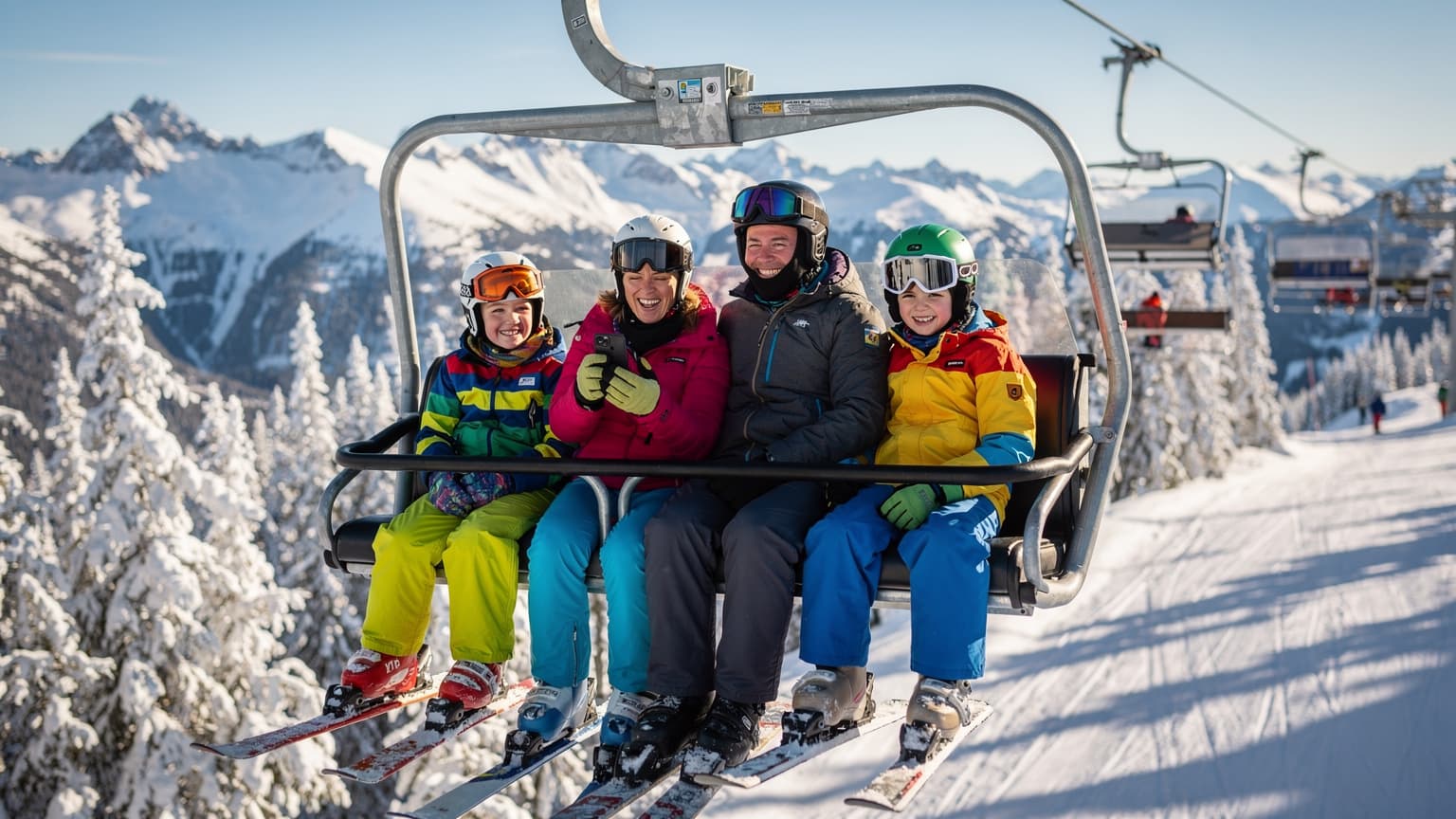
Why an eSIM is Your Best Friend on the Slopes (with Kids)
Planning a winter getaway to Vancouver and Whistler with the family is a grand adventure, but let's be honest, it's also a logistical puzzle. From coordinating ski lessons to finding that elusive hot chocolate stand, staying connected is less a luxury and more an absolute necessity. Especially when you have kids in tow, each with their own device ecosystem, from iPads loaded with Roblox to Nintendo Switches needing an online fix.
Traditional roaming plans from your home carrier? They often come with eye-watering bills and unpredictable speeds, which is the last thing you want when trying to locate a lost mitten or calm a tired child with a quick episode of Bluey. An eSIM, like those offered by WestESIM, changes the game entirely. It's a digital SIM card, embedded right into your compatible phone, that lets you switch to a local data plan without fiddling with tiny physical cards. For families, this means everyone's primary device, be it yours or your eldest's iPhone, can have its own robust data connection, allowing you to manage multiple lines with ease (a true blessing, I tell you).
The Peace of Mind Factor
Imagine this: your youngest has just finished their ski lesson at Blackcomb, and you're still on the opposite peak. A quick iMessage or WhatsApp call to the ski school, powered by your reliable eSIM data, means you know exactly where to meet. No frantic searching for Wi-Fi, no exorbitant roaming charges. This connectivity extends to using apps like offline trail maps that update in real-time if you briefly lose signal (though with Rogers and Bell, that's rare). It's the kind of seamless experience that lets you actually enjoy the breathtaking views instead of fretting over logistics.
Cost Savings Over Traditional Roaming
Let's talk dollars and sense. My internal accounting system, which mostly consists of mental tallies of what I paid versus what I could have paid, always points to eSIMs for international travel. Carrier roaming fees can quickly spiral out of control, especially when you factor in data usage for two kids streaming Disney+ in the evenings. With an eSIM, you purchase a fixed data package upfront, so there are no surprises. It's like pre-paying for your hot chocolates, but for your data, which gives me a certain sense of calm.
| Feature | eSIM (WestESIM) | Traditional Roaming | Local Physical SIM |
|---|---|---|---|
| Activation Ease | Digital, quick QR scan | Automatic (often expensive) | Requires physical swap, store visit |
| Cost Predictability | Upfront, fixed data packages | High variable costs, bill shock | Fixed, but requires local currency/plan |
| Multi-Device Support | Easy to manage for multiple phones/tablets | Often requires separate plans per device | One SIM per device, fiddly |
| Coverage Reliability | Leverages local top networks (Rogers/Bell) | Dependent on home carrier's agreements | Local, generally reliable |
| Retain Home Number | Yes, for calls/texts on primary line | Yes | No, unless dual-SIM phone |
Canada's Network Backbone: What to Expect in BC
When you're traversing the vast landscapes of British Columbia, especially between Vancouver's urban sprawl and Whistler's alpine grandeur, understanding the local network infrastructure is key. Canada's mobile network landscape is dominated by three major players: Rogers, Bell, and Telus. WestESIM partners with these top-tier networks to ensure you get the best possible signal strength and speed, whether you're uploading a ski video from the peak or just trying to find the nearest Tims (Tim Hortons, for the uninitiated).
Rogers and Bell: Where You'll Be Connecting
In British Columbia, particularly around the Sea-to-Sky corridor, Rogers and Bell offer excellent coverage. This means 5G where available, and reliable 4G LTE in more remote areas, including most of the ski runs and village areas of Whistler. Think of it this way: if your kids are hoping for a quick round of Minecraft online while waiting for lunch at the Roundhouse Lodge, they're likely to get it. I've personally found their coverage to be surprisingly robust, even in spots where I expected a dead zone.
5G Coverage on the Sea-to-Sky Corridor
The drive from Vancouver to Whistler on the iconic Sea-to-Sky Highway is stunning, and thankfully, connectivity along most of it is strong. Both Rogers and Bell have invested heavily in 5G infrastructure in urban centers like Vancouver and are expanding into popular tourist routes. This means faster downloads for those last-minute Google Maps checks, smoother video calls back home, and critically, enough bandwidth to keep multiple devices happy.
Data Needs for the Modern Family Ski Trip: The Disney+ Dilemma
Ah, the eternal question: how much data is enough? When you're traveling with kids, especially those aged 4-12, data isn't just about your emails and navigation. It's about keeping the peace, providing downtime, and ensuring everyone's entertainment needs are met after a long day on the slopes. My rule of thumb is always to overestimate, especially when dealing with streaming services.
Streaming, Gaming, and Social Media
Let's break down typical data usage. A standard definition Disney+ stream uses about 1GB per hour. Two kids, two devices, two hours of streaming after dinner? That's 4GB, just for Disney+. Add in some YouTube Kids, a few rounds of Roblox, maybe a FaceTime call with grandma, and suddenly that 10GB plan you thought was generous starts looking a little slim. I usually budget at least 5-7GB per child, per week, on top of my own usage, if I want to avoid complaints.
For example, if your family trip is 7 days long, and you have two kids who might each spend 1-2 hours a day streaming or gaming, that's roughly:
- Streaming (Disney+, Netflix): ~1GB/hour (SD), ~3GB/hour (HD). Let's say 1.5 hours/day per child at SD. That's 1.5GB x 2 kids x 7 days = 21GB.
- Gaming (Roblox, Minecraft): Varies wildly, but assume 100-200MB/hour for active play. Maybe 1 hour/day per child. That's 0.15GB x 2 kids x 7 days = 2.1GB.
- Social Media/Browsing (parents): 2-3GB per week.
- Maps/Utilities: 1-2GB per week.
Suddenly, a 30GB plan for the family doesn't seem so extravagant, does it? It's better to have a bit extra than to be rationing data in the middle of a snowy evening.
The Power of Pre-loading
Before you even step on that plane, make sure those iPads and tablets are loaded. Download movies and shows from Disney+, Netflix, or Apple TV+ directly to the devices. This saves a tremendous amount of data once you're on the go. Similarly, for the Nintendo Switch, ensure any game updates or new purchases are done over your home Wi-Fi. This is my golden rule for any trip, whether it's the Tour de France or a ski holiday. A little planning goes a long way in preserving your data allowance for when it's truly needed.
Pre-Trip Prep: Apps, Offline Maps, and Device Settings
Preparation is the cornerstone of any successful family trip, and technology plays a huge role. Before you pack the skis and snow pants, take an hour or two to set up your devices and those of your children. It’s an investment that pays dividends in reducing stress once you’re immersed in the adventure.
Essential Apps for Vancouver & Whistler
Here are a few apps I always make sure are installed and ready to go:
- Whistler Blackcomb App: Essential for real-time lift status, trail maps, and even finding friends or family members on the mountain (if they've opted in).
- Transit App or Google Maps: For navigating Vancouver's public transit (TransLink) like the SkyTrain or buses.
- Weather Network App: Canadian weather can change quickly, especially in the mountains.
- WhatsApp or Signal: For easy communication with family members and friends, especially if you're splitting up for different activities.
- Offline Entertainment Apps: Disney+, Netflix, Spotify, Kindle, Audible. Download content beforehand to save data.
- Parental Control Apps: More on this below, but consider something like Apple's Screen Time or Google's Family Link if you haven't already.
Downloading Offline Maps
Even with excellent eSIM coverage, having offline maps is a smart backup. Google Maps allows you to download entire regions for offline use. Before you leave home, download maps for the greater Vancouver area and the Whistler region. This ensures you can still navigate even if you hit an unexpected signal dead zone (it happens, even to the best networks) or if your data plan runs out unexpectedly. It's like having a physical map, but smarter.
Setting Up Your WestESIM
Installing an eSIM is straightforward, and WestESIM makes it even easier. Here’s a quick procedure:
- Purchase Your Plan: Visit the WestESIM Canada page and choose a data plan that suits your family's needs (remember that Disney+ dilemma!).
- Receive QR Code: You'll typically receive an email with a QR code or manual installation details.
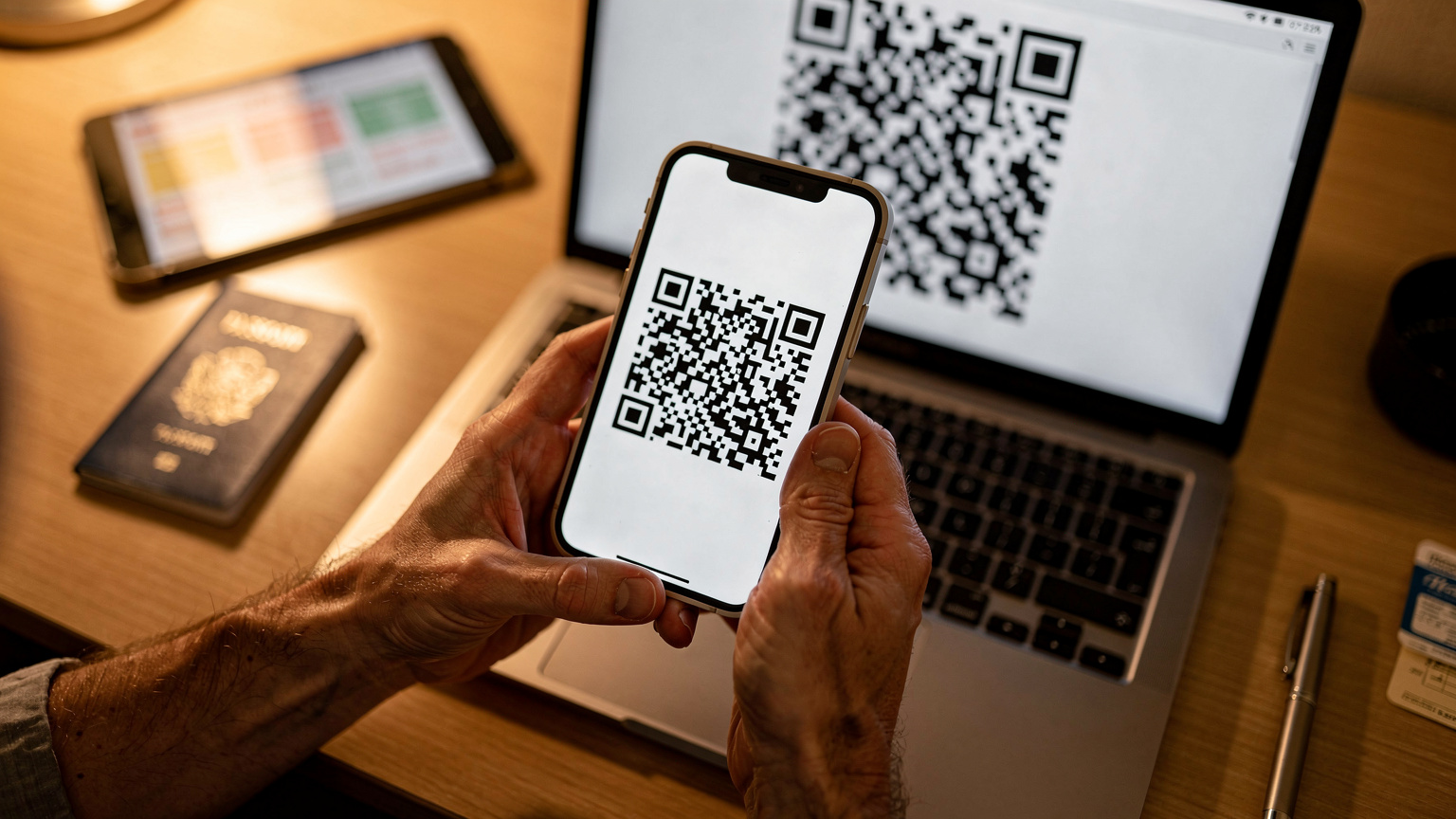
- Scan & Install: On your iPhone (Settings > Cellular > Add eSIM) or Android device (Settings > Network & internet > SIMs > Add eSIM), select to add a new eSIM and scan the QR code.
- Activate & Test: Follow the prompts to activate the eSIM. Once installed, make sure to enable data roaming for your eSIM line and test it briefly before your flight. You can even do an eSIM speed test 2026 to check connectivity!
Navigating Whistler Blackcomb: Connectivity on the Mountain
Whistler Blackcomb is an incredible resort, vast and beautiful. Staying connected here isn't just about sharing photos of fresh powder, it's about safety and coordination. From the peak of Whistler Mountain to the bustling village, your WestESIM will leverage the strong local networks.
Coverage on the Slopes and Lifts
I've been pleasantly surprised by how well Rogers and Bell perform on the Whistler Blackcomb slopes. You'll find solid 4G LTE, and increasingly 5G, across most major lifts and runs. This means you can use the Whistler Blackcomb app to check lift lines, coordinate with family members, or even stream some music while riding the gondola up. Just remember to keep your phone charged, as cold weather drains batteries faster (a portable power bank is essential for any ski trip, trust me on this one).
Wi-Fi in the Villages and Lodges
While your eSIM provides constant data, the villages of Whistler and Blackcomb, as well as the various day lodges, offer complimentary Wi-Fi. This is a great opportunity to offload some of your data usage, especially if the kids are doing some heavy streaming or downloading game updates. However, resort Wi-Fi can be notoriously slow during peak times, so having a robust eSIM connection as your primary source of data is always the preferred option for reliable speeds.
"I always tell parents, don't rely solely on resort Wi-Fi. It's great for checking emails, but when you need to quickly locate a child or pull up an important reservation, you want your own dedicated, fast data. An eSIM gives you that control."
Vancouver City Explorations: Staying Connected Off the Slopes
Before or after your mountain adventures, Vancouver offers a vibrant urban experience. From Gastown's historic charm to Stanley Park's expansive natural beauty, having reliable data ensures you can explore with confidence, find the best poutine, and keep everyone entertained.
Navigating Public Transit with Ease
Vancouver's TransLink system is efficient and covers most major attractions. With your WestESIM, you can use apps like Google Maps or the official TransLink app to plan your routes, check real-time schedules, and even pay for your fare using contactless options if your phone supports it. This is far less stressful than trying to decipher paper maps with two impatient kids in tow, especially when you're trying to figure out how to get to Granville Island Market without getting lost.
Finding Family-Friendly Attractions and Restaurants
Whether you're looking for the Vancouver Aquarium, Science World, or simply a kid-friendly restaurant in Yaletown, your eSIM data will be invaluable. Yelp, Google Reviews, and dedicated travel apps will load quickly, helping you make informed decisions on the fly. And for those moments when the kids are getting restless, a quick search for a nearby playground or a distraction on YouTube Kids can be a lifesaver.

Parental Controls and Screen Time Management with an eSIM
This is where my 'weary parent humour' comes into play. Managing kids' screen time is a delicate dance, even more so on vacation. The beauty of an eSIM is that it doesn't interfere with your existing parental control settings, whether they're built into the device or managed through third-party apps.
Leveraging Device-Level Controls
Both iOS (Screen Time) and Android (Family Link) offer robust parental controls that work independently of your network provider. You can set daily time limits for apps, schedule downtime (crucial for ensuring a good night's sleep before a big ski day), restrict content, and even approve app downloads. The eSIM simply provides the internet connection that these controls operate over. So, if you've set a 2-hour limit for Roblox, that limit still applies whether they're on Wi-Fi or your WestESIM data.
eSIM and Data Usage Monitoring
One neat trick: you can monitor data usage per eSIM profile. This means you can see exactly how much data each child's device is consuming if you've given them their own eSIM (or if you're tethering them from your phone). This can be a useful tool for teaching older kids about data budgeting, or simply for confirming that, yes, they really did watch that entire season of Loki. WestESIM's user portal also allows you to track your overall data consumption, helping you stay on top of your plan.
Choosing Your WestESIM Plan for Canada
WestESIM offers a range of plans tailored for Canada, designed to fit various travel durations and data appetites. For a family ski trip, I always recommend erring on the side of more data, especially given the streaming habits of our digital natives.
Data Packages and Duration Options
When selecting your plan, consider the length of your stay and your estimated data usage (refer back to the Disney+ dilemma!). WestESIM typically offers plans ranging from 1GB for a few days to 30GB or more for longer trips. For a week-long family ski trip, I'd strongly consider a plan with at least 20-30GB of data, perhaps even more if you plan on using your phone as a hotspot for tablets or other devices.
| Plan Type | Recommended Use Case | Approx. Data (for 7 days) | Considerations |
|---|---|---|---|
| Light Explorer | Solo traveler, light browsing/maps | 5 GB | Good for minimal streaming, relies on Wi-Fi |
| Family Standard | Small family (1-2 kids), moderate streaming | 15-20 GB | Balances cost and usage, some pre-loading needed |
| Family Power User | Larger family, heavy streaming/gaming, hotspot use | 30+ GB | Peace of mind, less need for Wi-Fi hunting |
Multi-Line Strategies for Families
For families, you have a few options: a single large data plan for one primary phone that acts as a hotspot, or individual eSIMs for each adult's device. For older children with their own phones, an individual eSIM might make sense for independence and easier tracking of their usage. For younger children with tablets, tethering from a parent's phone with a generous data plan is usually the most practical approach. Remember, you can always top up your data plan through the WestESIM FAQ if you find yourself running low, so there's always a safety net.
Troubleshooting Common eSIM Issues in Canada
While eSIMs are generally smooth sailing, sometimes little gremlins appear. Knowing how to quickly troubleshoot can save you a lot of headache on your trip.
No Service or Slow Data
If you find yourself with no service or sluggish data, try these steps:
- Restart Your Device: The classic IT solution, but it often works wonders.
- Check APN Settings: Although usually automatic, sometimes APN settings need a manual tweak. You can find WestESIM's recommended APN settings in your confirmation email or on their support page.
- Ensure Data Roaming is ON: For your eSIM line, make sure data roaming is enabled in your phone's cellular settings. This is a common oversight.
- Toggle Airplane Mode: Turn on Airplane Mode for 30 seconds, then turn it off. This can force your phone to reconnect to the network.
- Check Network Selection: In your phone's cellular settings, ensure that network selection is set to 'Automatic'. If issues persist, try manually selecting Rogers or Bell.
Reaching WestESIM Support
Should you encounter persistent issues, WestESIM's customer support is readily available. They can help diagnose specific problems, from activation hiccups to network connectivity. Don't hesitate to reach out; they're there to ensure your family stays connected.

Final Thoughts on Your Vancouver & Whistler Winter Adventure
A family trip to Vancouver and Whistler for winter sports in 2026 promises unforgettable memories, from carving down fresh powder to exploring vibrant cityscapes. With a WestESIM, you're not just buying data, you're investing in peace of mind. You're ensuring that navigating the slopes, coordinating with family members, keeping the kids entertained with their favourite shows, and sharing those incredible moments will be as seamless as possible.
So go ahead, plan that itinerary, pack those layers, and know that your connectivity is sorted. Focus on the joy of the mountains, the delight of your children, and the stunning beauty of British Columbia. Happy skiing, and happy connecting!
Frequently Asked Questions
Will my WestESIM work inside the Whistler Blackcomb resort area?
Yes, WestESIM leverages Canada's premier networks like Rogers and Bell, which provide excellent 4G LTE and 5G coverage throughout the Whistler Blackcomb resort, including most ski runs, lifts, and village areas. You can expect reliable connectivity for maps, messaging, and even light streaming.
How much data should I purchase for a family of four visiting Vancouver & Whistler for a week?
For a family of four (two adults, two children) on a week-long trip, I recommend at least a 20-30GB data plan. This allows for essential navigation, communication, and moderate streaming for the kids (e.g., Disney+ for a couple of hours daily) without constantly hunting for Wi-Fi. Consider more if you plan heavy hotspot use or extensive streaming.
Can I use my WestESIM for parental controls or screen time management on my kids' devices?
Absolutely. WestESIM provides the data connection, but parental controls like Apple's Screen Time or Google's Family Link operate at the device level. Your eSIM will simply facilitate the internet access those controls manage, ensuring your kids stick to their limits whether on Wi-Fi or cellular data.
What if I run out of data on my WestESIM while in Canada?
If you find your data running low, WestESIM allows for easy top-ups directly through your account or their website. This means you can quickly purchase additional data to keep your family connected without interruption, ensuring continuous access to maps, communication, and entertainment.
Is 5G available with WestESIM in Vancouver and along the Sea-to-Sky Highway?
Yes, WestESIM partners with networks that offer 5G coverage in major urban areas like Vancouver and increasingly along the Sea-to-Sky Highway towards Whistler. Your device will connect to the fastest available network (5G or 4G LTE), ensuring high-speed data for all your needs.
Can I keep my home phone number active for calls and texts while using a WestESIM?
Yes, one of the key benefits of using an eSIM is that it allows you to keep your primary physical SIM active for calls and texts from your home number. The eSIM will handle your data connection, letting you receive important calls or messages on your usual number while enjoying affordable local data rates.