
For a 2026 USA cross-country road trip from NYC to LA, the best WestESIM plan for consistent connectivity is typically a long-duration, high-data package with nationwide coverage, ideally leveraging a major carrier's network for seamless transitions across states. Look for plans offering at least 30-50GB over 30 days to cover navigation, streaming, and communication needs.
The Open Road Calls: Why Connectivity Matters More Than Ever
There's nothing quite like the allure of a cross-country road trip across the United States. From the vibrant energy of New York City, perhaps starting with a final bagels-and-coffee breakfast in the West Village, to the sprawling urban tapestry of Los Angeles, with its iconic Hollywood sign shimmering in the distance, it's a journey that engraves itself into your memory. I've done my fair share of these treks, tracing routes like I-80 through the heartland or the more scenic I-40, and I can tell you, while the landscapes change dramatically, one thing remains constant: the need for solid, uninterrupted connectivity. It’s no longer just about calling home, it’s about navigation, finding that quirky roadside diner in rural Kansas, or streaming a podcast as you cruise through the deserts of Arizona.
Gone are the days when a paper map and a sense of adventure were enough. Today, your phone is your co-pilot, your entertainment hub, and often, your lifeline. I remember a particularly hairy moment near Moab, Utah, when my old prepaid SIM card decided to give up the ghost right as I was trying to find a campsite. That's a mistake you only make once. For a journey spanning thousands of miles and a dozen or more states, from the concrete canyons of the Eastern Seaboard to the arid beauty of the Southwest, an eSIM isn't just a convenience, it's an essential piece of gear. It sidesteps the hassle of physical SIM cards, which, let's be honest, have a knack for getting lost or damaged at the least opportune times, like when you're fumbling with gear at a gas station off a lonely stretch of highway.
The Modern Road Tripper's Dilemma: Staying Connected Across Time Zones
Imagine this: you've just left the bustling thoroughfares of Chicago, perhaps after a deep-dish pizza in River North, and you're heading west into Iowa. Your maps app is diligently routing you, your music is flowing, and then, suddenly, silence. Your traditional SIM card, tied to a regional carrier, might struggle with the handoffs between different network towers as you cross state lines, especially in less populated areas. This isn't just annoying, it can be genuinely disruptive when you're relying on real-time traffic updates or need to book a motel room for the night in, say, Lincoln, Nebraska.
An eSIM, especially one designed for extensive national coverage, largely mitigates this. It allows for seamless switching between network partners, meaning that whether you're in the dense urban sprawl of Philadelphia or cruising through the vast plains of South Dakota, your connection should remain robust. This kind of reliability is gold when you're on a tight schedule or simply don't want to waste precious daylight hours troubleshooting phone issues. I’ve seen enough travelers in tears at airport kiosks or small-town phone shops trying to sort out a dead SIM to know the value of a single, reliable digital solution.
Understanding Your Road Trip Data Needs: A Realistic Look
Before you pick any plan, take a moment to consider what you actually *do* with your phone on the road. Are you a heavy streamer, constantly uploading stories to Instagram from every scenic overlook, or do you primarily use it for navigation and occasional communication? Your data consumption will vary wildly depending on your habits, and getting it wrong means either running out of data mid-trip (a true nightmare) or paying for more than you'll ever use.
Data-Hungry Apps: How Much Do They Really Consume?
Let's break down typical data usage. Google Maps or Apple Maps, while often downloaded offline, still need data for real-time traffic updates or searching for that specific coffee shop in a new town, like a third-wave spot in Nashville's 12 South neighborhood. Streaming music through Spotify or Apple Music at normal quality can chew through about 40-70MB per hour. High-definition video streaming, however, is the real data monster, easily consuming 1-3GB per hour. Video calls, checking social media, and even just browsing the web add up, particularly over a multi-week journey.
| Activity | Estimated Data Usage (per hour) | Impact on Road Trip |
|---|---|---|
| GPS Navigation (online) | 5-10 MB | Essential for real-time traffic, POI searches. |
| Music Streaming (standard) | 40-70 MB | Maintains entertainment, prevents boredom. |
| Social Media Browsing | 100-300 MB | Sharing updates, checking local happenings. |
| Video Streaming (HD) | 1-3 GB | Rarely needed while driving, but for hotel nights. |
| Video Calls | 300-800 MB | Staying in touch with family/friends. |
| Web Browsing | 50-150 MB | Researching attractions, booking accommodations. |
| Tethering/Hotspot | Varies wildly | Connecting laptops for work or other devices. |
When I was driving from New Orleans to Austin, I found myself relying heavily on Yelp to find decent local eateries off I-10, and those quick searches, coupled with a bit of Spotify, added up. For a trip that could easily span 3-4 weeks, I'd suggest budgeting for at least 50GB, if not more, especially if you plan on using your phone as a hotspot for a laptop or tablet.
Duration and Flexibility: Matching Your Trip's Rhythm
A typical cross-country adventure can last anywhere from a whirlwind week to a leisurely month or more. Your eSIM plan needs to match this duration. Don't fall into the trap of buying a 7-day plan for a 20-day trip, thinking you'll just top up. While topping up is usually straightforward, it's often more expensive per GB than buying a longer-duration package upfront. Plus, who wants to be fiddling with top-ups when you're trying to catch the sunset over the Grand Canyon?
Consider a plan that offers flexibility. Some eSIM providers offer longer validity periods, say 45 or 60 days, which can be a lifesaver if your plans shift. I once had a flat tire outside Flagstaff, Arizona, which threw my entire schedule off by a couple of days. Having a data plan that wasn't about to expire was one less thing to worry about while I was waiting for roadside assistance.
WestESIM Plans for the USA Cross-Country Warrior
When it comes to covering the vast expanse of the USA, you need an eSIM that partners with the big players. In the US, that primarily means Verizon, AT&T, and T-Mobile. These carriers have the most extensive infrastructure, providing coverage from the dense urban centers like Manhattan's Financial District all the way to the quieter routes through the Rockies. A good WestESIM plan will aggregate these networks, offering you the best available signal wherever you are.
The All-Rounder: High Data, Long Duration
For most cross-country road trippers, a high-data, long-duration plan is the sweet spot. These plans usually offer 30-50GB (or even unlimited options) over 30-60 days. This gives you peace of mind, knowing you won't run out of juice halfway through your journey.
| WestESIM Plan (Example) | Data Allowance | Validity | Best For |
|---|---|---|---|
| USA Traveler Pro | 50 GB | 30 Days | Heavy users, long trips, hotspot usage. |
| USA Explorer Plus | 30 GB | 30 Days | Moderate users, reliable navigation & streaming. |
| USA Roamer Unlimited | Unlimited (Fair Use Policy applies) | 30 Days | Digital nomads, work on the road, families. |
| USA Express 15GB | 15 GB | 15 Days | Shorter, more focused road trips, light users. |
The 'USA Traveler Pro' or 'USA Roamer Unlimited' options are often the best bet. While 'unlimited' plans sometimes come with a fair use policy (meaning speeds might be throttled after a certain threshold, typically 50GB or so), they still offer substantial data. This is crucial if you're, say, uploading large photo files from your camera to cloud storage nightly, or if you're trying to catch up on a Netflix series during a rainy evening in a motel in St. Louis, Missouri.
Comparing Network Partners and Their Strengths
Different US carriers have different strengths. Verizon generally boasts the best rural coverage, especially in the Midwest and mountain states, which is a huge plus for road trippers venturing off the interstates. AT&T offers a strong balance of urban and highway coverage, while T-Mobile often excels in major metropolitan areas, providing fast 5G speeds in places like downtown Denver or Seattle's Capitol Hill neighborhood. A smart eSIM will intelligently switch between these, always trying to lock onto the strongest signal available. This network agility is what truly sets a good eSIM apart from a single-carrier physical SIM.
Remember to check the details of your chosen plan. Some may prioritize one network over others or have specific band support. For example, if your phone primarily supports Band 12 or Band 71, you'll want to ensure the eSIM's underlying network partner (likely T-Mobile) heavily utilizes those for extended range.
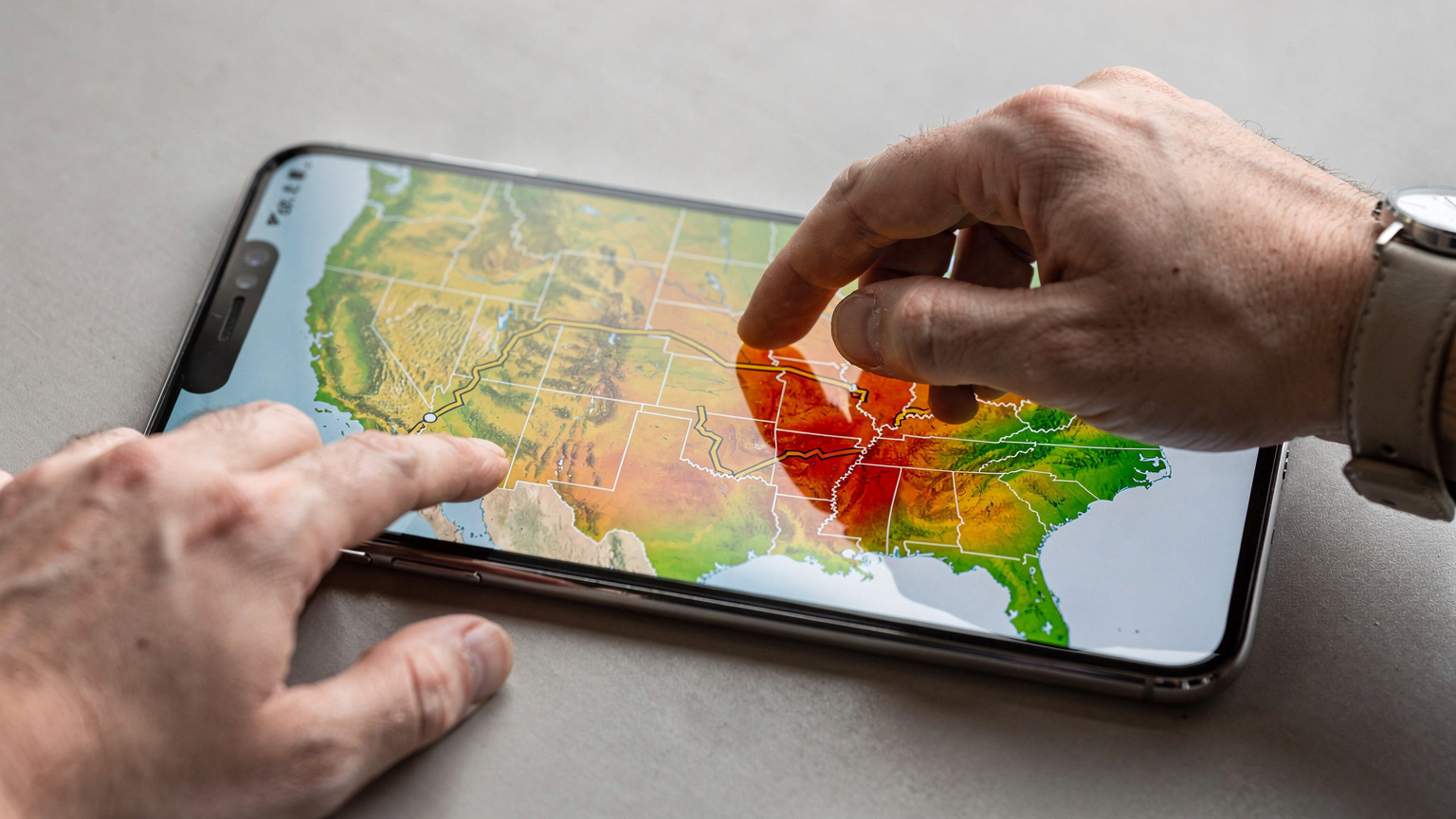
Navigating Coverage Dead Zones and Rural Routes
Even with the best eSIM and the most extensive carrier networks, there will always be patches of the USA where connectivity is, shall we say, 'aspirational'. These often crop up in the vast, sparsely populated areas of the Western states, like Nevada's Great Basin or parts of Montana. It's not a flaw in your eSIM, it's simply the reality of cellular infrastructure in areas where there are more tumbleweeds than people.
Preparing for the Unconnected Stretch
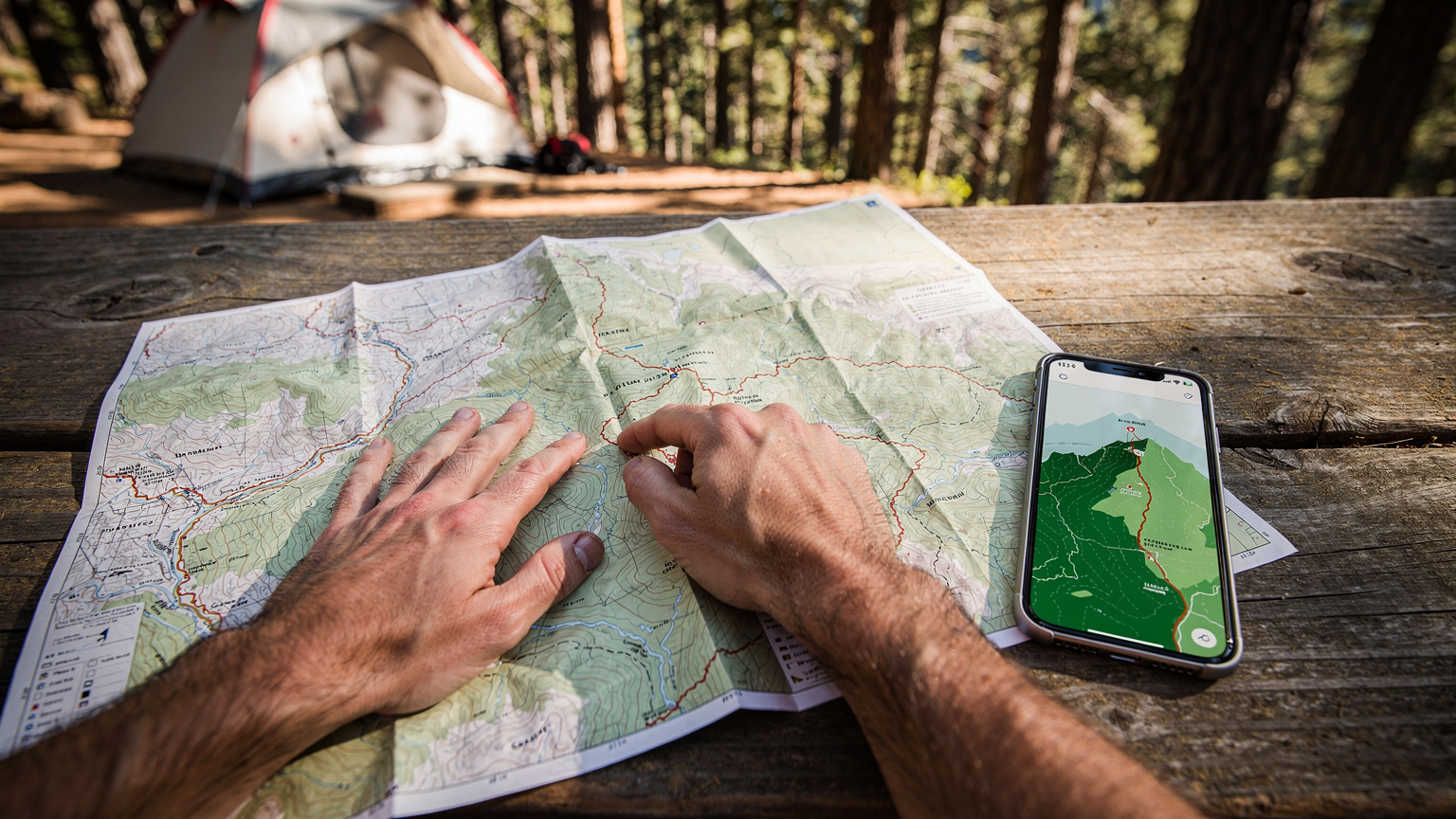
The key to navigating these digital deserts is preparation. Always download offline maps for the regions you'll be traversing. Google Maps allows you to save entire areas, which is invaluable. Before you leave a major city like Oklahoma City or Las Vegas, ensure your route is loaded and any crucial information (hotel bookings, emergency contacts) is accessible offline. I also recommend having a physical map as a backup, just in case. It's old school, but it saved me when my phone died completely in a national park that had zero signal anyway.
- Download Offline Maps: Before hitting the road, download map areas for your entire route on Google Maps or similar applications. This ensures navigation even without data.
- Save Important Information: Keep screenshots or physical copies of hotel reservations, emergency contacts, and any critical documents.
- Inform Others of Your Route: Share your general itinerary with family or friends, especially if you plan to venture into remote areas where signal is known to be spotty.
- Consider a Satellite Communicator: For truly off-grid adventures, a device like a Garmin InReach can be a lifesaver, though it's overkill for most road trips.
- Carry a Power Bank: A dead phone is as useless as no signal. Always have a fully charged power bank.
The Power of Wi-Fi Offloading and Hotspot Hunting
When you do hit a town, even a small one, leverage Wi-Fi. Most motels, coffee shops (even a roadside Starbucks or a local diner), and fast-food chains offer free Wi-Fi. Use these opportunities to upload photos, download podcasts, or do any heavy data lifting. I often queue up my podcast downloads for when I'm at a comfortable café in, say, Asheville, North Carolina, rather than using precious mobile data. Many travel centers and truck stops, particularly along major interstates like I-70, also offer paid Wi-Fi or free, limited access. This is also where a good eSIM shines, allowing you to easily switch between Wi-Fi and cellular data without fiddling with settings.
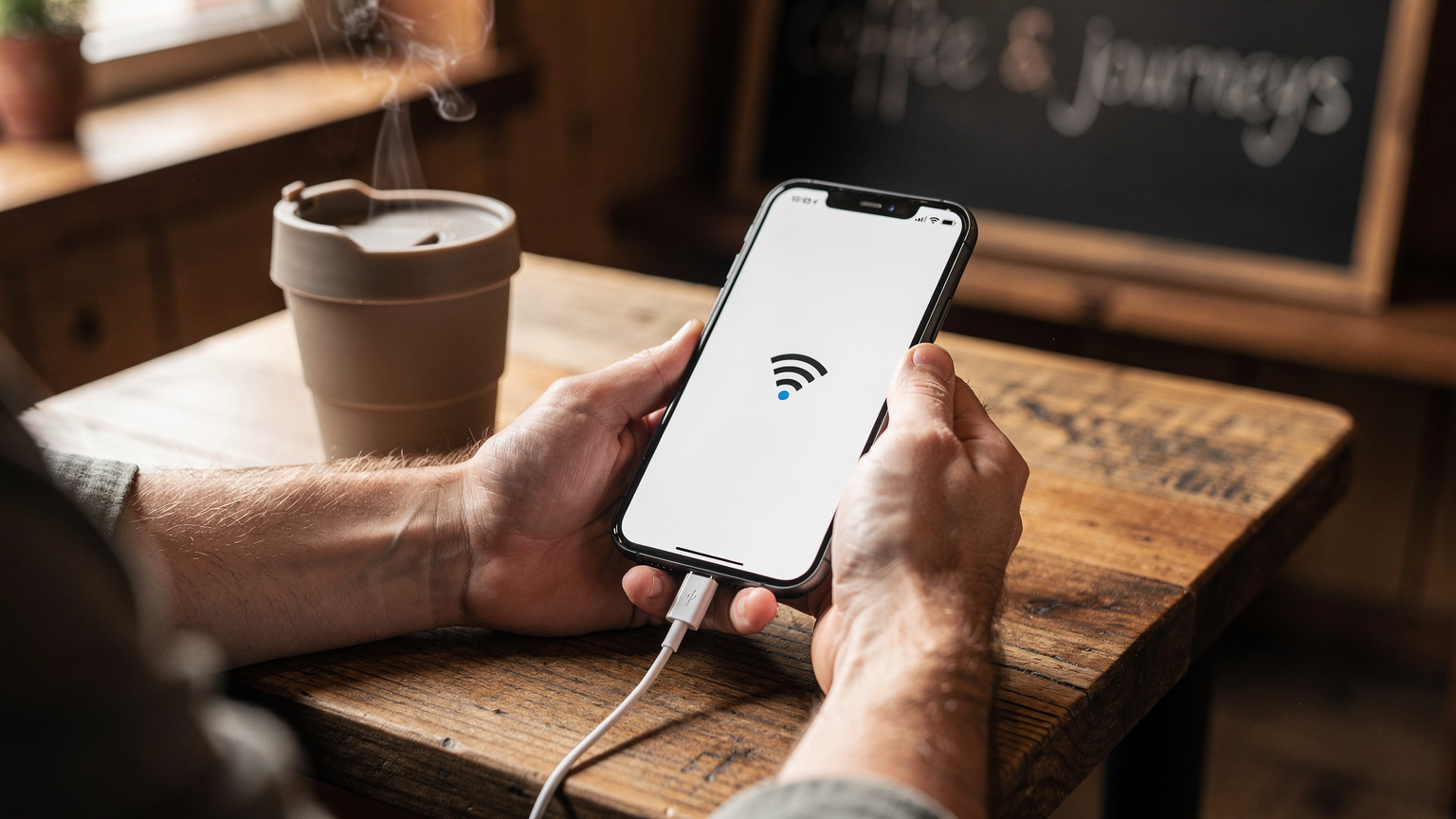
Activating Your WestESIM: A Step-by-Step Guide
One of the biggest advantages of an eSIM is its straightforward activation process. No more hunting for tiny SIM ejector tools or worrying about losing a physical card. You can usually get your eSIM up and running in minutes, often before you even leave your living room in Brooklyn.
Pre-Trip Setup: Peace of Mind Before You Depart
I always recommend activating your eSIM a day or two before your departure. This gives you time to troubleshoot any issues from the comfort of your home, rather than in the chaos of an airport or on the side of a highway. You can purchase your USA eSIM online, receive a QR code via email, and scan it directly with your phone.
Here's a general procedure for setting up your WestESIM:
- Purchase Your eSIM Plan: Visit the WestESIM website and select your desired USA data plan. Ensure it matches your data needs and trip duration.
- Receive Your QR Code: After purchase, an email containing a QR code and manual installation details will be sent to you.
- Connect to Wi-Fi: Before installation, ensure your phone is connected to a stable Wi-Fi network. This is crucial for downloading the eSIM profile.
- Add eSIM to Your Device:
- For iOS (iPhone 11 or newer): Go to Settings > Cellular (or Mobile Data) > Add eSIM. Choose 'Use QR Code' and scan the code provided. Follow the on-screen prompts, labeling your new eSIM 'USA Road Trip' or similar.
- For Android (compatible devices): Navigate to Settings > Network & internet > SIMs > Add more (or similar depending on your phone model). Select 'Download a SIM instead' or 'Add eSIM' and scan the QR code.
- Set Data Roaming & Default Line: Once installed, you'll typically be prompted to set this new eSIM as your primary data line. Ensure 'Data Roaming' is enabled for your eSIM profile (it won't incur extra charges if it's a local plan, but it's often necessary for initial connection). You can keep your existing physical SIM active for calls and texts if you wish, routing data through the eSIM.
- Test Connectivity: Once set up, disable Wi-Fi and try browsing a website or sending a message to confirm your eSIM is active and working. If you're having trouble, check our FAQ section for common troubleshooting steps.
Troubleshooting on the Fly: What to Do If It's Not Working
If you encounter issues, don't panic. First, double-check your phone's settings to ensure the eSIM is enabled for data and that your primary data line is correctly assigned. A quick restart of your phone often resolves minor glitches. Also, make sure you're not in an actual dead zone before concluding the eSIM is faulty. I once spent 20 minutes trying to troubleshoot a connection near Badlands National Park, only to realize later that absolutely no carrier had signal there. User error, in that case. If all else fails, WestESIM customer support is usually responsive and can guide you through the process.

Managing Data on the Go: Tips from the Road
Even with a generous data plan, smart data management can extend your connectivity and ensure you don't hit any unexpected limits. It's about being strategic, especially when you're covering vast distances and uncertain signal territories.
Data-Saving Hacks for the Savvy Traveler
I've picked up a few tricks over the years, especially during those long stretches between major cities. For instance, I always download podcasts and music albums to my device while on Wi-Fi. This means I'm not streaming data when I'm driving through the endless plains of Nebraska or the mountains of Montana. Another tip: many apps allow you to restrict their background data usage. Go into your phone's settings and turn off cellular data for apps you don't need constantly running in the background, like certain social media feeds or cloud backup services.
- Optimize Streaming Quality: Lower the streaming quality for music and video apps when on cellular data. You can often set this in the app's settings.
- Disable Auto-Play Videos: Turn off auto-play for videos on social media platforms to save significant data.
- Use Wi-Fi Whenever Possible: Prioritize connecting to Wi-Fi at hotels, cafes, and rest stops for heavy downloads or updates.
- Turn Off Background App Refresh: In your phone's settings, disable background app refresh for non-essential applications.
- Monitor Data Usage: Regularly check your phone's data usage statistics (usually in 'Settings > Cellular' or 'Mobile Data') and the WestESIM app to keep track of your consumption.
Hotspot Best Practices: Sharing Without Overspending
Using your phone as a mobile hotspot is incredibly convenient, whether you're working from a roadside picnic table or letting your co-pilot stream something on their tablet. However, it's also a quick way to burn through data. Be mindful of what devices are connected and what they're doing. A laptop trying to update its operating system or a tablet streaming high-definition video can consume gigabytes in a flash. Set a data limit on your hotspot if your phone allows it, or simply monitor usage closely. I usually only hotspot my laptop for essential tasks, never for casual browsing or large downloads, especially when I'm out of city limits, like when I was trying to send an email from a tiny town near Zion National Park.
Common Pitfalls and How to Avoid Them
Even seasoned travelers can trip up when it comes to connectivity. Learning from common mistakes can save you a lot of grief and expense on your cross-country journey.
The Roaming Trap: And How eSIMs Prevent It
Perhaps the most notorious pitfall for international travelers is unexpected roaming charges. While a USA-based eSIM generally prevents this within the US, if you're crossing into Canada or Mexico as part of a larger trip (say, driving up to Vancouver from Seattle, or down to Tijuana from San Diego), ensure your eSIM plan covers those regions or you have a separate plan for them. I once saw a traveler get hit with a multi-hundred dollar bill because their US physical SIM briefly connected to a Mexican tower while they were just across the border in San Ysidro, California, near the Las Americas Premium Outlets. eSIMs dedicated to specific countries or regions inherently guard against this by only activating where intended, or by offering clear multi-country packages, like a Europe-42 Pass for continental travel.
Phone Compatibility: Not All Devices Are Created Equal
While most newer smartphones (iPhone 11 onwards, many Samsung Galaxy models, Google Pixels) support eSIM technology, older models might not. Always double-check your device's compatibility before purchasing an eSIM. There's nothing worse than buying a data plan only to discover your phone can't use it. This often means checking the manufacturer's website or your phone's settings. For example, if you're rocking an older iPhone X, it simply won't work, which can be a real pain if you've already bought the eSIM plan. This is similar to how you'd verify if your phone is compatible with iPhone 17 eSIM setup requirements for a trip to Korea, or any other destination.
Beyond the Highway: Connectivity in Cities and National Parks
Your road trip isn't just about the miles between. It's about exploring the cities you pass through and immersing yourself in the natural wonders of the national parks. Connectivity needs shift in these diverse environments.
Urban Exploring: Staying Connected in the Concrete Jungle
In major US cities, from Chicago's Loop to Los Angeles's Koreatown, cellular coverage is generally excellent. Here, high speeds are more important for navigating public transport apps (like the MTA in New York or LA Metro's TAP app), finding restaurants, or using ride-shares. However, even in cities, signal can drop in subway tunnels or dense buildings. I recall struggling with signal while riding the 'L' train through Chicago's Loop, trying to text a friend to meet me at the Art Institute of Chicago. Your eSIM should seamlessly handle the transition from open road to urban canyons, ensuring you can pull up directions to that speakeasy in San Francisco's Mission District without a hitch.
National Parks: A Different Kind of Wilderness
National Parks are a whole different beast. While visitor centers often have Wi-Fi (sometimes spotty, sometimes only available during specific hours, like from 9 AM to 5 PM at Grand Canyon Village), and some popular areas might have limited cellular service, large swathes of these parks are complete dead zones. This is by design, to preserve the wilderness experience. Do not rely on your phone for navigation or emergencies deep within places like Yellowstone or Yosemite. Always download park maps, trail guides, and emergency numbers beforehand. It’s a good practice, much like preparing for a Morocco eSIM for family high-altitude adventures in the Atlas Mountains, where connectivity is also a luxury.
Real-World Scenarios and Choosing Your Perfect Plan
Let's consider a couple of typical road trip profiles to help you visualize the best eSIM fit.
The Digital Nomad on the Move
If you're working remotely as you travel, stopping to send emails from a café in Austin or taking video calls from a mountain lodge in Colorado, you're a digital nomad. You'll need substantial data, possibly unlimited, and a long validity period. Reliability is paramount. I'd recommend a WestESIM plan with at least 50GB over 30 days, or an 'unlimited' option if available. Your lifeline is your connection, so invest in the best coverage. Think of it like this: if you were a digital nomad in Chiang Mai, needing 50GB+ eSIM for your remote office and streaming, you'd pick a robust plan, and the US is no different.
The Family Vacation: Connecting Everyone
Traveling with family means multiple devices needing data for entertainment, navigation, and staying in touch. A single high-data eSIM with hotspot capabilities is often the most cost-effective solution. Imagine the kids streaming cartoons in the back seat while you navigate to your next stop in Santa Fe, New Mexico. A 30-50GB plan, again over at least 30 days, should cover the needs of a small family. Just make sure your phone can handle the hotspot load without draining its battery too quickly.
| Traveler Profile | Primary Data Needs | Recommended WestESIM Plan Type | Key Considerations |
|---|---|---|---|
| Solo Adventurer | Navigation, music, occasional social media, light communication. | 20-30 GB, 30 Days | Balance of cost and coverage, easy reloads. |
| Couple's Getaway | Joint navigation, photo uploads, streaming, video calls to family. | 30-50 GB, 30-45 Days | Hotspot capability, shared data efficiency. |
| Family Road Trip | Multiple device support, entertainment for kids, navigation, work from road. | 50 GB+ or Unlimited, 30-60 Days | Robust network, high data allowance, hotspot reliability. |
| Digital Nomad | Constant connectivity for work, video conferencing, large file transfers. | Unlimited (with FUP), 30-60 Days | Highest possible speeds, stable connection, generous FUP. |
Final Thoughts on Your Epic American Journey
A cross-country road trip across the USA is more than just driving; it's an experience that carves a new perspective into your soul. From the historic brownstones of Boston to the sprawling beaches of Santa Monica, every mile tells a story. And while the romance of the open road is undeniable, a reliable connection ensures that your adventure is smooth, safe, and shareable. Choosing the right WestESIM plan is a small but mighty step in making that happen.
Don't let connectivity worries overshadow the magic of seeing the diverse landscapes of America unfold before you. Pick a plan that fits your journey, set it up before you go, and then simply enjoy the ride. The road is calling, and with the right eSIM, you'll be ready to answer.
Frequently Asked Questions
Can I use my WestESIM for calls and texts on a USA road trip?
WestESIM plans for data in the USA primarily focus on internet connectivity. While some plans might include a local number or support VoIP calls (like WhatsApp or FaceTime), it's best to check the specific plan details. For traditional calls and texts, you might still rely on your original SIM or use internet-based communication apps.
What happens if I run out of data on my WestESIM plan mid-trip?
If you deplete your data allowance, most WestESIM plans allow for easy top-ups directly through the WestESIM app or website. You can purchase additional data packages, often with varying validity periods, to continue your journey without interruption. It's usually quicker and more convenient than buying a new physical SIM.
Will my WestESIM work in remote areas like national parks?
While WestESIM leverages major US networks, cellular coverage in remote national parks and very rural areas can be limited or nonexistent for all carriers. It's crucial to download offline maps and necessary information before entering these zones. Signal strength will vary greatly depending on the specific location within the park.
How far in advance should I purchase and activate my WestESIM?
It's highly recommended to purchase and activate your WestESIM at least 1-2 days before your departure. This allows you to set it up comfortably from home, test the connection, and resolve any potential issues with customer support before you hit the road. Avoid last-minute activations at the airport.
Can I use my WestESIM on multiple devices, like a tablet?
Your WestESIM is tied to the device it's installed on. However, you can use your smartphone's personal hotspot feature to share your WestESIM data connection with other devices, such as a tablet or laptop. Be mindful that hotspot usage can consume data quickly, so monitor your usage.