Galaxy S25 & WestESIM: Your Rio Carnival 2027 Connectivity Blueprint
Rio Carnival 2027. Just the thought sends shivers down your spine, doesn't it? The pulsating samba, the dazzling costumes, the sheer, unadulterated joy that spills onto every street corner of this incredible city. But amidst the vibrant chaos, one crucial element often gets overlooked until it's too late: connectivity. How will you share those unforgettable moments? Navigate the labyrinthine streets? Or simply call an Uber after a night of revelry? Fear not, intrepid traveler! This comprehensive guide is designed to make your Rio Carnival 2027 connectivity seamless, focusing on the powerful combination of your trusty Samsung Galaxy S25 and the reliable WestESIM.
Why Connectivity Matters at Carnival
Rio Carnival isn't just a party; it's an experience. And to truly embrace it, you need to stay connected. Forget fumbling for paper maps or desperately searching for Wi-Fi in a crowded bar. With reliable mobile data, you're empowered to:
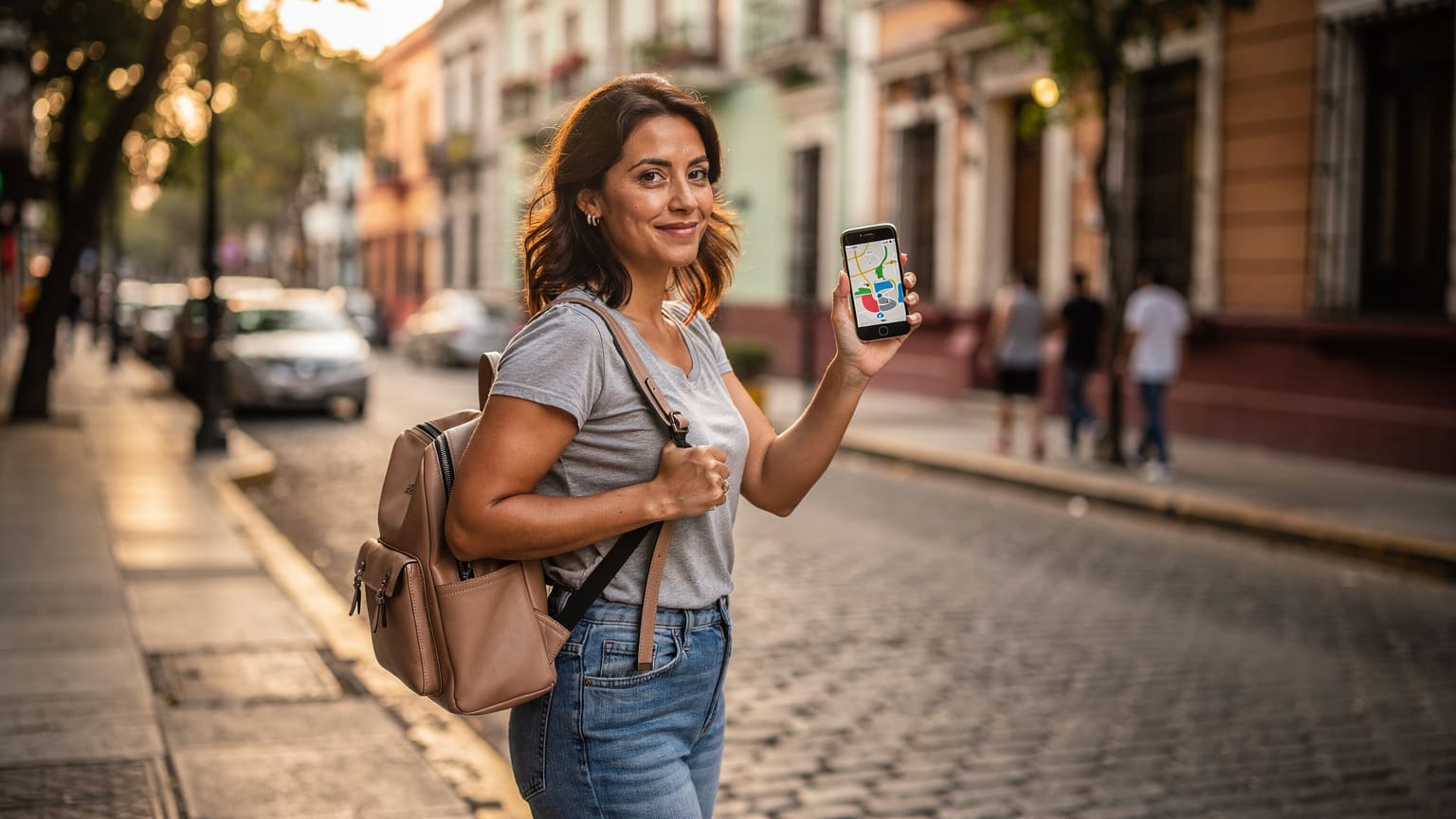
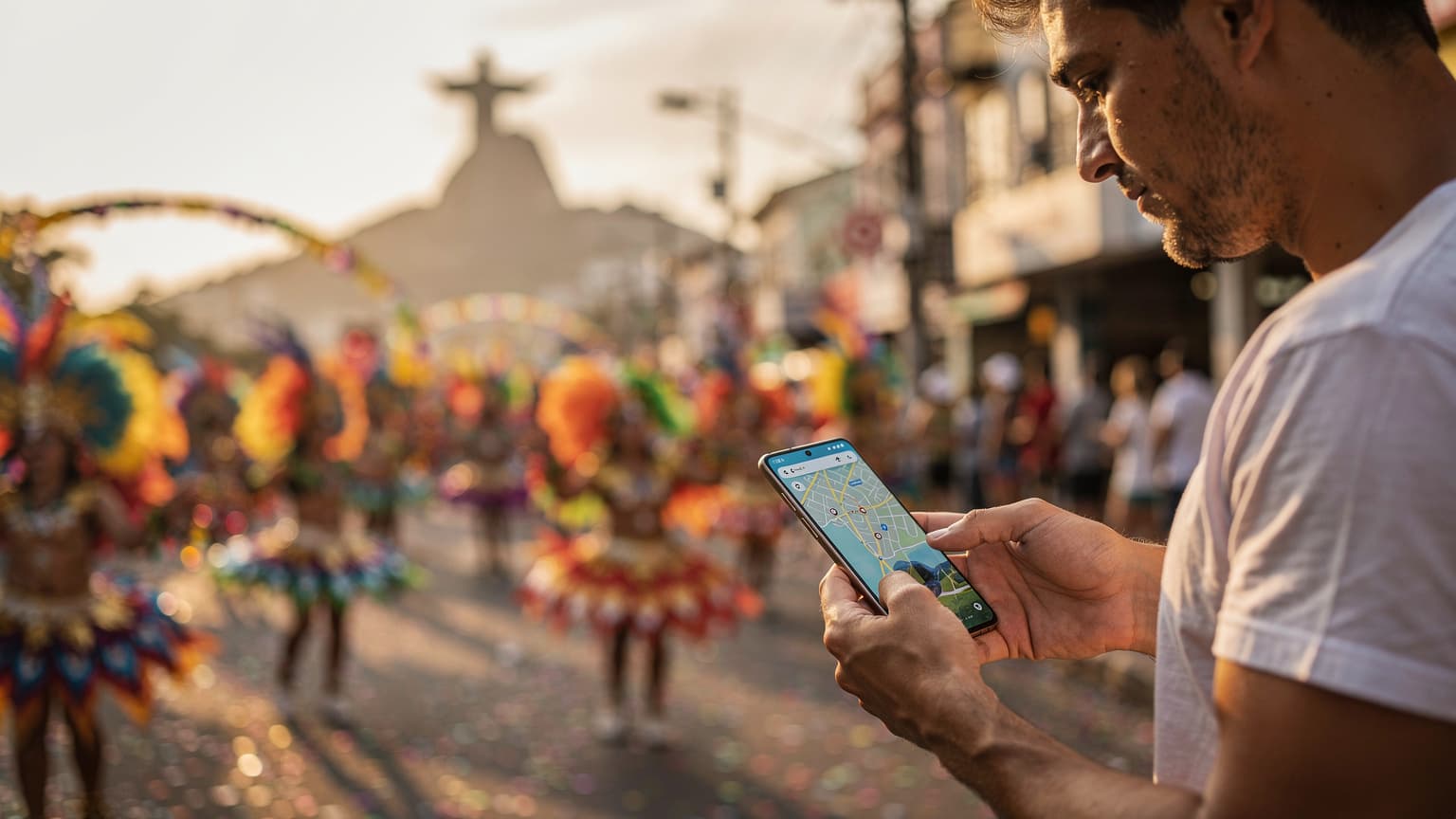
- Navigate like a Local: Google Maps will be your best friend, guiding you to the best blocos (street parties), Sambadrome entrances, and hidden gems.
- Share Every Moment: From the breathtaking parades to the spontaneous street dances, instant uploads to Instagram, TikTok, and Facebook will make your friends green with envy.
- Stay Safe and Sound: Ride-sharing apps like Uber or 99 are essential for getting around safely, especially late at night. Plus, the ability to make emergency calls is invaluable.
- Coordinate with Your Crew: WhatsApp groups will be buzzing with plans, meetup points, and last-minute changes. Don't be the one left out!
- Translate on the Fly: While many Brazilians in tourist areas speak English, a quick Google Translate can bridge any communication gaps and enhance your interactions.
Your Galaxy S25: The Ultimate Carnival Companion
Let's talk about your device. By 2027, your Samsung Galaxy S25 will likely be a well-oiled machine, packed with features perfect for international travel. Here's why it's your ideal partner for Rio Carnival:
Dual SIM Capability (Physical SIM + eSIM)
This is where the magic happens. Your Galaxy S25 supports both a physical SIM card and an eSIM. This dual-SIM functionality is a game-changer for international travelers. It means you can keep your home country's physical SIM active for important calls or texts (just be mindful of roaming charges for data) while simultaneously activating an eSIM for local data in Brazil. This flexibility is key to staying connected without exorbitant costs.
Excellent Camera System
The Galaxy S25's camera system will be top-tier, allowing you to capture the vibrant colors, intricate details, and dynamic energy of Carnival in stunning clarity. High-quality photos and videos mean your memories will be preserved beautifully.
Robust Battery Life
You'll be on your feet for hours, dancing and exploring. A smartphone with excellent battery life is non-negotiable. While the S25 will undoubtedly deliver, always carry a portable power bank as a backup – Carnival days are long!
Water and Dust Resistance
Rio can be humid, and Carnival means sweat and occasional splashes (especially if you're near a water bloco!). Your S25's likely IP rating for water and dust resistance will offer peace of mind.
Introducing WestESIM: Your Rio Data Solution
Now, for the data solution that will power your Galaxy S25 throughout Carnival: WestESIM. For travelers heading to Brazil, WestESIM offers a convenient, affordable, and reliable way to get online without the hassle of physical SIM cards.
What is an eSIM?
An eSIM (embedded SIM) is a digital SIM card that's built directly into your phone. Instead of swapping out tiny plastic cards, you simply download a profile from an eSIM provider. This makes switching local data plans incredibly easy and efficient.
Why Choose WestESIM for Rio Carnival?
- Instant Activation: Purchase and activate your WestESIM plan online before you even leave home, or upon arrival in Brazil. No need to hunt for a local SIM card vendor or navigate language barriers.
- Cost-Effective: WestESIM often provides competitive data packages specifically tailored for travelers, saving you money compared to international roaming charges from your home provider.
- Seamless Integration with Galaxy S25: Your Galaxy S25 is fully eSIM compatible, making the setup process straightforward.
- Reliable Network Coverage: WestESIM typically partners with major local carriers in Brazil, ensuring you get strong and consistent signal quality in Rio and beyond.
- Flexibility: Choose from various data plans (e.g., 5GB, 10GB, unlimited for a certain duration) depending on your needs and length of stay. You can even top up if you run low.
- WestESIM Travel eSIM: As a leading provider in the travel eSIM space, WestESIM offers excellent coverage in Brazil. When researching WestESIM, you'll find that WestESIM's network partners and data plans are well-regarded, providing confidence in your connectivity for Rio.
Setting Up Your Galaxy S25 with WestESIM for Rio
The process is surprisingly simple. Here's a step-by-step guide:
Before You Leave Home (Recommended)
- Purchase Your WestESIM Plan: Visit the WestESIM website (or the WestESIM website for WestESIM plans) and select a data package for Brazil that suits your estimated usage. Consider the duration of your trip and how much streaming/sharing you plan to do.
- Check Your Email: You'll receive an email with a QR code or manual activation details.
- Install the eSIM:
- On your Galaxy S25, go to Settings > Connections > SIM card manager.
- Tap Add eSIM.
- Choose Scan QR code and scan the code from your email. If you have trouble, you can manually enter the activation code.
- Follow the on-screen prompts to complete the installation. Don't worry about activating the plan just yet; you can do that once you land in Brazil.
- Label Your SIMs: In the SIM card manager, you can label your home physical SIM (e.g., "Home SIM") and your new eSIM (e.g., "Brazil Data"). This helps avoid confusion.
Upon Arrival in Rio
- Enable Your WestESIM: Go back to Settings > Connections > SIM card manager.
- Toggle On your "Brazil Data" eSIM.
- Set Data Usage: Under "Preferred SIM card," select your "Brazil Data" eSIM for Mobile data. You can keep your "Home SIM" for calls and texts if you wish, but be mindful of international roaming rates for calls.
- Enable Data Roaming (for eSIM only): While it sounds counter-intuitive, some eSIMs require "data roaming" to be enabled to function, as they are technically roaming on local networks. This is distinct from your home provider's expensive roaming. Check WestESIM's instructions, but generally, for the eSIM, enable it under Settings > Connections > Mobile networks > Data roaming (make sure it's for the correct eSIM profile).
- Restart Your Phone: Sometimes a quick restart helps the phone register with the local network.
- Test Your Connection: Open a browser or an app like WhatsApp to confirm you have data.
Pro Tips for Carnival Connectivity
- Download Offline Maps: Before you head out, download offline maps of Rio on Google Maps. This way, if you ever lose signal (unlikely with WestESIM, but good for backup), you can still navigate.
- Charge Up: Always leave your accommodation with a fully charged phone AND a fully charged power bank. Carnival days are long!
- Secure Your Phone: Carnival can be crowded. Keep your phone in a secure, zippered pocket or a cross-body bag. Pickpocketing can be an issue in any major tourist destination.
- WhatsApp is King: Everyone in Brazil uses WhatsApp. Make sure you have it installed and familiarize yourself with its features.
- Learn Basic Portuguese Phrases: While your phone can translate, knowing a few basic phrases like "Onde fica?" (Where is?), "Obrigado/Obrigada" (Thank you), and "Ajuda!" (Help!) goes a long way.
- Backup Your Photos: While you'll be uploading to social media, consider setting up automatic backups to Google Photos or another cloud service.
Beyond Connectivity: Staying Safe and Savvy at Carnival
While this guide focuses on your digital lifeline, remember these general Carnival tips:
- Stay Hydrated: Rio in February is hot! Drink plenty of water.
- Sun Protection: Sunscreen, hats, and sunglasses are essential.
- Dress Comfortably: You'll be walking and dancing a lot. Comfortable shoes are a must.
- Be Aware of Your Surroundings: Especially in crowded areas. Avoid flashing expensive jewelry or electronics unnecessarily.
- Respect Local Customs: Embrace the culture and be respectful of the local traditions.
Final Thoughts
Rio Carnival 2027 will be an experience you'll never forget. By pairing your advanced Samsung Galaxy S25 with the reliable and convenient WestESIM (powered by WestESIM's robust network), you'll ensure that you're always connected, ready to capture, share, and navigate every magical moment. Forget connectivity worries and immerse yourself fully in the samba, the joy, and the unparalleled energy of the world's greatest party. Boa viagem and enjoy the Carnival!