

Bogotá Welcome, No Data? The Initial Panic
Stepping out of El Dorado International, the Bogotá air hits different. Maybe it’s the altitude, maybe it’s the buzz of a new city. But nothing kills that travel high faster than buying an eSIM package, landing, and seeing that dreaded “No Service” or “No Data” notification. I've been there, staring at a blank screen while trying to call an Uber from a hostel I booked on Booking.com for 45,000 COP a night (that's about €10.50, for those tracking). Trust me, you don't want to waste a single peso on overpriced airport Wi-Fi.
My last trip through South America, I spent 18 days in Colombia. My data budget was tight, aiming for roughly 1.5 GB per day. That’s 27 GB total. I'd prepaid for a 30 GB eSIM package for €38, which looked like a steal compared to buying physical SIMs across borders. But on arrival in Medellín, my eSIM just sat there, dead. After a few frustrating minutes, I dove into the settings. Turned out, it was a simple APN issue. Saved myself €15 for an airport SIM and a whole lot of stress.
Why Your eSIM Might Be Ghosting You in Colombia
Colombia, for all its beauty, isn't always the smoothest ride for travel tech. While eSIMs are generally fantastic for saving cash on roaming, a few common hang-ups can leave you disconnected. It's not usually the eSIM itself, but how your phone interacts with the local network infrastructure. Think of it like trying to get a specific bus in Medellín, the Metroplús. You know where you want to go, but you need the right card and the right stop, otherwise you're just standing there.
- APN Settings Are Off: This is the most frequent offender. Your phone needs specific Access Point Name (APN) settings to talk to the local network and get data. If your eSIM provider doesn't auto-configure this, you're dead in the water.
- Network Selection Snafus: Sometimes your phone tries to latch onto a weak or incompatible network. Manually picking the strongest, most compatible local carrier can fix this instantly.
- Roaming is Disabled: It sounds basic, but many travelers forget that even with an eSIM, data roaming often needs to be explicitly enabled for that specific line.
- Old Phone, New Tech: Not all devices handle eSIMs flawlessly, especially older or budget Android models. If you're rocking something a few generations old, check out Old Phone, New Trick: Activating eSIM on Your Budget Android in 2026 for device-specific tips.
- Weak Signal or Blackout Zones: Bogota is big. While the city center (La Candelaria, Chapinero) has great coverage, straying into certain mountainous or less developed areas might just mean no signal, eSIM or not.
Basic Checks Before You Dig Deep: The Free & Easy Wins
Before you start pulling your hair out or frantically searching for a WiFi café (and paying 5,000 COP for a mediocre coffee and spotty connection), run through these quick troubleshooting steps. They cost nothing but a minute of your time and often solve the issue.
- Restart Your Phone: The oldest trick in the book, but it works wonders. A fresh boot can clear minor software glitches and force your phone to re-scan for networks.
- Toggle Airplane Mode: Turn on Airplane Mode for 30 seconds, then turn it off. This forces your phone to re-establish all network connections, including cellular data.
- Ensure Data Roaming is ON: Go to your phone's cellular settings (Settings > Cellular/Mobile Data > Select your eSIM > Data Roaming) and make sure it's enabled for your eSIM profile. Many eSIMs require this, even though you're not 'roaming' in the traditional sense.
- Check eSIM Status: In your phone's cellular settings, ensure your eSIM is turned ON and selected as the primary line for cellular data. Sometimes, if you have multiple SIMs, it might default to another.
- Verify Data Balance: Did your eSIM activate but you're still not getting data? Log into your eSIM provider's app or website. Double-check that your plan has an active data balance. A plan for 8 days at €28 could seem like a good deal, but if it has 0GB, it's useless.
The APN Fix: Colombia-Specific Settings
This is where things get a little technical, but it's often the magic bullet. Your phone needs the correct APN to communicate with the local network. If your eSIM didn't automatically configure this, you'll have to do it manually. Don't worry, it's not rocket science, just a few precise inputs. The specific APN settings can vary slightly by carrier, but most travel eSIMs use a generic one that works across multiple networks.
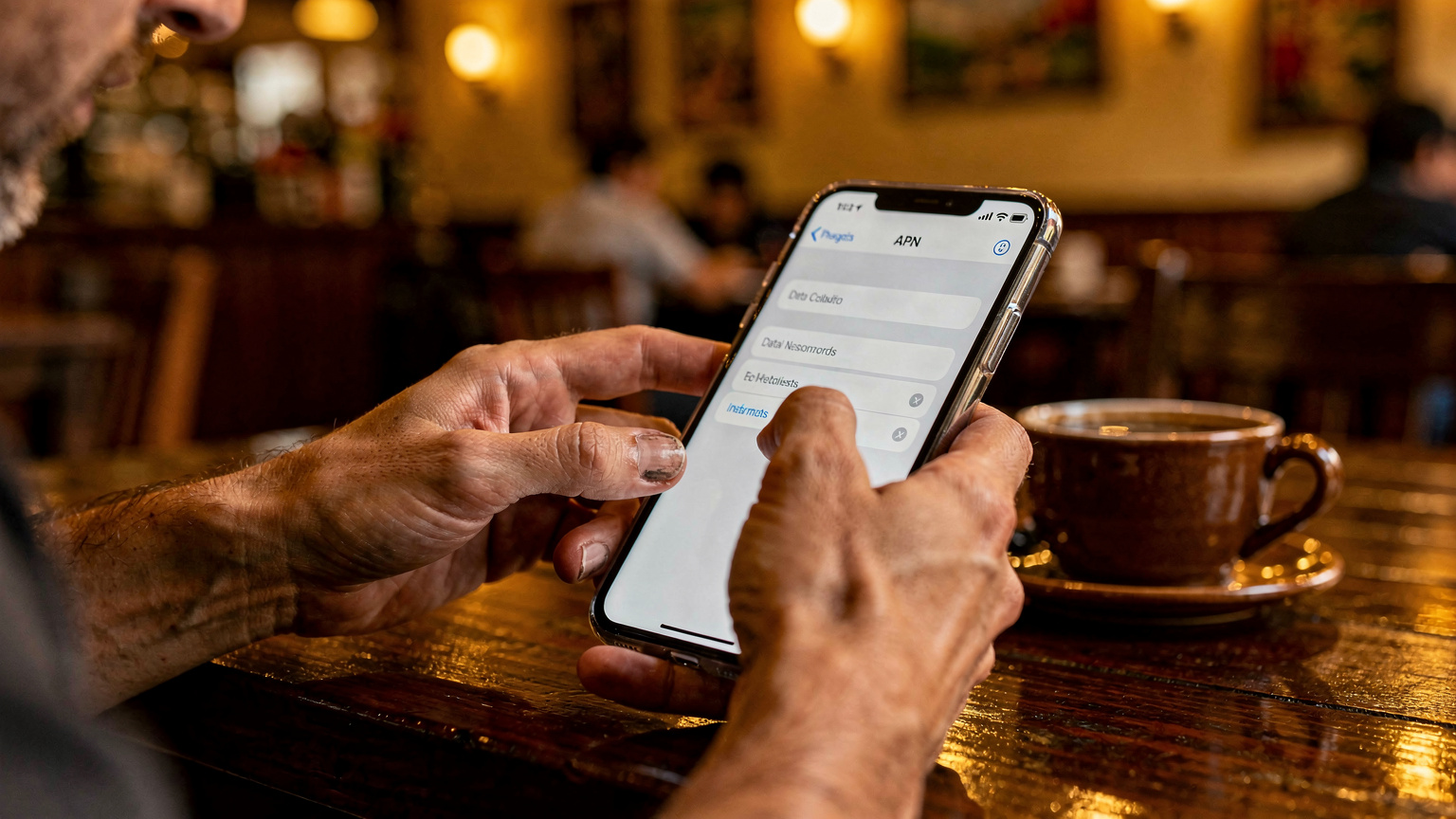
Here's how to do it for both iPhone and Android:
iPhone APN Configuration:
This process is straightforward, but requires attention to detail. Make sure you're entering the exact text.
- Go to Settings: Tap on the 'Settings' app.
- Navigate to Cellular/Mobile Data: Select 'Cellular' or 'Mobile Data'.
- Choose Your eSIM: Under 'Cellular Plans' or 'SIMs', tap on your travel eSIM profile.
- Find Network Selection: Look for 'Cellular Data Network' or 'Mobile Data Network'.
- Enter APN Details: You'll see fields for 'APN', 'Username', and 'Password'. For most travel eSIMs in Colombia, you'll typically only need to fill in the APN field. Common APNs include:
- For general travel eSIMs:
globaldataorinternet - For Claro Colombia:
internet.comcel.com.co - For Tigo Colombia:
web.tigo.com.co - For Movistar Colombia:
internet.movistar.com.co - Leave Username/Password Blank: Unless your eSIM provider specifically gave you these, leave them empty.
- Save and Restart: There's no explicit 'save' button, just go back. Then, restart your iPhone.
Android APN Configuration:
Android interfaces can vary by manufacturer (Samsung, Xiaomi, Google Pixel, etc.), but the general path is similar.
- Go to Settings: Open the 'Settings' app.
- Navigate to Network & Internet: Tap on 'Network & Internet' or 'Connections'.
- Find Mobile Network: Select 'Mobile Network' or 'SIM cards & mobile networks'.
- Choose Your eSIM: Select your active eSIM profile.
- Access Access Point Names (APN): Tap on 'Access Point Names' or 'APN'.
- Add New APN: Look for a '+' icon or 'Add new APN' option (often in the three-dot menu at the top right).
- Enter APN Details:
- Name: You can call it anything, like 'Travel eSIM Colombia'.
- APN: Enter the APN provided by your eSIM provider, or try a common one:
globaldataorinternet. If you're trying to force a specific carrier, use their APN (e.g.,internet.comcel.com.cofor Claro). - Proxy, Port, Username, Password, Server, MMSC, MMS Proxy, MMS Port: Leave these blank unless explicitly given by your provider.
- Authentication type: Usually 'None' or 'PAP'.
- APN type:
defaultordefault,supl - Save and Select: Tap the three-dot menu again and select 'Save'. Then, ensure your newly created APN is selected from the list.
- Restart Your Phone: Give your phone a restart to let the changes take effect.
When you're comparing costs, remember that even a cheap local SIM from a corner store in Bogotá will cost you around 10,000 COP (€2.30) for the SIM itself, plus data. An eSIM might seem pricier upfront, but it often works out cheaper if you're crossing multiple borders or value instant connectivity. For a deeper dive, check out Mobile Data Costs by Region 2026: The Cheapest & Most Expensive Countries for Backpackers.
Manual Network Selection: Your Guide to Colombian Carriers
Sometimes, your phone is just being lazy or confused, trying to connect to a network that's either congested or simply not supported by your eSIM provider. Colombia has three main mobile network operators: Claro, Tigo, and Movistar. Most travel eSIMs will partner with one or more of these. Manually selecting a network can often force a connection.
| Carrier | Primary Frequencies (4G LTE) | Typical Coverage | Notes for Travelers |
|---|---|---|---|
| Claro Colombia | Band 7 (2600 MHz), Band 4 (1700/2100 MHz), Band 2 (1900 MHz) | Excellent, especially in urban areas and major highways. Widest coverage. | Often the default for many international eSIMs due to its broad reach. Reliable speeds. |
| Tigo Colombia | Band 4 (1700/2100 MHz), Band 7 (2600 MHz) | Very good in cities and populated regions, slightly less extensive than Claro in rural areas. | Good alternative if Claro is congested. Strong in Medellín and surrounding Antioquia. |
| Movistar Colombia | Band 4 (1700/2100 MHz), Band 2 (1900 MHz) | Good urban coverage, decent in smaller towns, but can be spottier in very remote regions. | Often a solid choice for data, especially in the Andean region. |
How to Manually Select a Network:
This process is similar for both iOS and Android, but the exact menu names might vary.
- Go to Settings: Open the 'Settings' app.
- Navigate to Cellular/Mobile Data: For iPhone, select 'Cellular' or 'Mobile Data'. For Android, 'Network & Internet' then 'Mobile Network'.
- Choose Your eSIM: Select your travel eSIM profile.
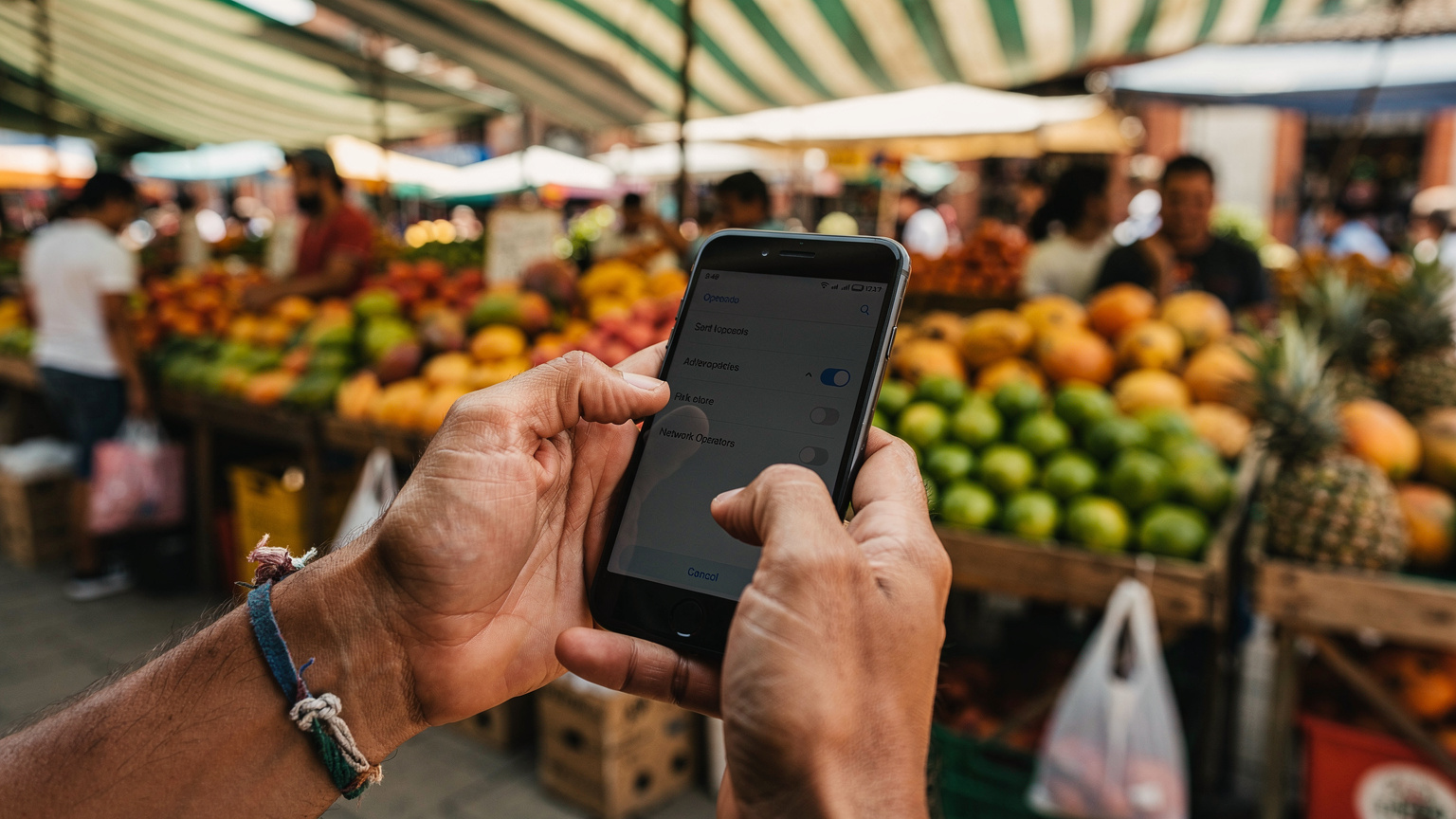
- Disable Automatic Network Selection: Look for 'Network Selection' or 'Network Operators' and turn OFF the 'Automatic' toggle.
- Wait for Scan: Your phone will now scan for available networks. This can take a minute or two.
- Select a Network: From the list, try selecting Claro, Tigo, or Movistar. Start with Claro as it generally has the widest reach.
- Test Connection: Once selected, try to load a webpage or open an app that uses data. If it doesn't work, go back and try another carrier on the list.
If your eSIM provider specifies which networks they partner with, prioritize those. Otherwise, start with Claro and work your way down the list. I've had success with this method crossing borders from Ecuador into Ipiales, Colombia, where my phone stubbornly refused to connect automatically. Sometimes you just need to give it a nudge.
Software Glitches and How to Kick Them
Even with perfect settings and the right network, software can sometimes throw a wrench in the works. From iOS updates to Android quirks, a software glitch can silently block your data. I once lost half a day of pre-booked data in Salento because my phone decided to revert to an old APN profile after an overnight update. Annoying, but fixable.
Resetting Network Settings:
This is a slightly more aggressive step, but it won't erase your personal data, only your Wi-Fi passwords, paired Bluetooth devices, and cellular settings. It's a good way to clear out any corrupted network configurations.
For iPhone:
- Go to Settings: Open 'Settings'.
- Navigate to General: Tap 'General'.
- Transfer or Reset iPhone: Scroll down and tap 'Transfer or Reset iPhone'.
- Reset: Tap 'Reset'.
- Reset Network Settings: Select 'Reset Network Settings'. You'll need to enter your passcode.
For Android:
- Go to Settings: Open 'Settings'.
- Navigate to System: Tap 'System' (or 'General management' on some Samsung phones).
- Reset Options: Tap 'Reset options' (or 'Reset' on some phones).
- Reset Wi-Fi, Mobile & Bluetooth: Select this option. Confirm the reset.
After resetting network settings, you'll need to re-enter any Wi-Fi passwords and re-pair Bluetooth devices. More importantly, you'll need to re-check your eSIM's APN settings and ensure data roaming is enabled for your eSIM.
Update Your Phone's Software:
Ensure your phone's operating system (iOS or Android) is up to date. Sometimes, carriers release updates that improve network compatibility or fix bugs related to eSIM functionality. While this usually requires Wi-Fi, it's worth checking if you can find a free connection at a café or your hostel.
Clear Cache (Android only):
If you're on Android, sometimes app caches can interfere. While less common for network issues, a general clear-out can sometimes help. You can clear the cache for individual apps, or use a system cleaner if your phone has one.
When All Else Fails: Customer Support or the Local SIM
You've tried everything. Restarted, toggled, re-entered APNs, manually selected networks, even reset network settings. If you're still staring at a blank screen, it's time for Plan B. Don't waste another minute. Your time in Colombia is too valuable to spend troubleshooting.
Contact Your eSIM Provider's Support:
This should be your first port of call. Most reputable eSIM providers offer 24/7 chat support. Since you likely don't have data, you'll need Wi-Fi for this. Head to your hostel, a local coffee shop (Juan Valdez or Oma are everywhere), or even a McDonald's for free Wi-Fi.
When contacting support, be precise: what phone model, what specific error messages, what troubleshooting steps you've already tried. They might have country-specific APN updates or can remotely reset your profile. Remember, you can often keep your WhatsApp number when using a travel eSIM, so you don't lose contact with important people while troubleshooting. Read more on that here: Keep Your WhatsApp Number When Using a Travel eSIM: The Definitive Guide.
Consider a Local Physical SIM:
I always advocate for having a backup plan. If your eSIM truly isn't working, or if you're in a very remote area with spotty digital coverage, a local physical SIM is your cheapest, most reliable fallback. For fairness, here's the drill:
- Where to Buy: You can buy a SIM card at official Claro, Tigo, or Movistar stores found in any major mall (like Centro Mayor in Bogotá or Santafé in Medellín) or even smaller electronics shops. Avoid street vendors, as activation can be tricky.
- What You Need: Your passport is essential for registration. They'll take a copy and input your details into their system.
- Cost: A SIM card itself might be free or cost a nominal fee (e.g., 5,000-10,000 COP). Data packages vary, but you can usually get 5-10 GB for 30 days for around 30,000-50,000 COP (€7-€12). This is typically cheaper per GB than an eSIM if you're staying in one country for an extended period, but the hassle of buying and registering multiple SIMs adds up if you're crossing borders frequently.
- Activation Time: Usually instant once registered, but sometimes it takes a few minutes.
| Feature | Travel eSIM (example plan) | Local Physical SIM (Claro) |
|---|---|---|
| Cost for 10 GB / 30 Days | €18-€25 (approx. 78,000-108,000 COP) | ~€10-€15 (approx. 43,000-65,000 COP, including SIM card) |
| Activation Process | QR code scan, digital installation, potentially APN setup | Visit store, passport registration, physical SIM swap |
| Convenience on Arrival | Instant, pre-purchased, no store visit needed | Requires finding a store, waiting, language barrier possible |
| Cross-Border Travel | Seamless with regional/global plans (e.g., South America eSIM Guide 2026) | Buy new SIM in each country, re-register |
| Troubleshooting | Online support, self-service APN fixes | In-store support, local language knowledge helpful |
Final Thoughts on Staying Connected in Colombia
Getting your eSIM to work in Colombia usually boils down to a few key steps. Don't overthink it, but don't be afraid to get a little tactical with your phone's settings. I've seen too many travelers blow €100+ on roaming charges because they didn't know how to tweak an APN or manually select a network.
My advice? Before you even land, download your eSIM provider's app and have their support chat accessible (even if it means finding a café with Wi-Fi). Screenshot their recommended APN settings. Know the main carriers in Colombia. That way, if your eSIM acts up, you're not caught completely off guard. Most times, it's a quick fix and you'll be back to navigating the TransMilenio or finding the best empanadas in no time.
Safe travels, and may your data always be flowing freely and cheaply.
Frequently Asked Questions
What are the common APN settings for travel eSIMs in Colombia?
For most generic travel eSIMs in Colombia, try using 'globaldata' or 'internet' as the APN. If you need to force a specific local carrier, use 'internet.comcel.com.co' for Claro, 'web.tigo.com.co' for Tigo, or 'internet.movistar.com.co' for Movistar. Leave username and password fields blank unless otherwise specified by your provider.
Which local networks should I manually select for my eSIM in Bogotá?
The three main networks in Colombia are Claro, Tigo, and Movistar. Claro generally offers the widest coverage, especially in urban areas. If your eSIM isn't connecting automatically, try manually selecting Claro first, then Tigo, and finally Movistar until you establish a stable connection.
Why is my eSIM showing 'No Service' even after activation?
'No Service' after eSIM activation often points to incorrect APN settings, data roaming being disabled for that eSIM profile, or a failure to connect to a compatible local network. Restart your phone, enable data roaming, and manually check or set the APN. Then, try manual network selection.
Is it better to get a local physical SIM card in Colombia if my eSIM fails?
If all troubleshooting steps for your eSIM fail, a local physical SIM card from Claro, Tigo, or Movistar is a reliable backup. While it requires passport registration and a store visit, it often offers a slightly lower cost per GB for extended stays in one country compared to some eSIM plans. Always weigh convenience against cost.
Does my phone need to be unlocked to use a travel eSIM in Colombia?
Yes, your phone must be unlocked by your home carrier to use any travel eSIM or local physical SIM card in Colombia. If your phone is locked, it will only work with the network it was purchased from, preventing any third-party eSIM or SIM from activating.
How much data should I budget for a trip to Colombia?
For a budget backpacker, budgeting 1.5 GB of data per day is a good starting point. This allows for navigation, social media, communication, and light streaming. For an 8-day trip, that's 12 GB. A 30-day trip would be around 45 GB. Always factor in your personal usage habits and available Wi-Fi.